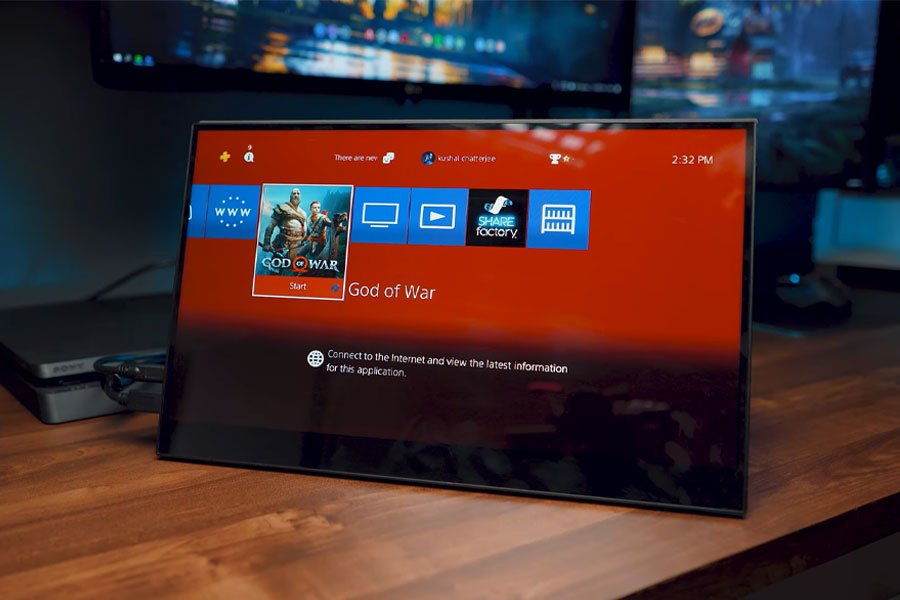
The best-value portable monitor in NZ is the ARZOPA 15.6-inch FHD Kickstand Monitor, thanks to an all-metal chassis and a built-in kickstand that most rivals charge extra for. A second screen is the cheapest real upgrade for anyone working from a kitchen table or a bach for half the summer.
If you work across a laptop, a games console or a desktop and need a second screen you can fold up and take with you, a portable monitor is the answer. This guide reviews eight current, in-stock portable monitors verified to ship to New Zealand, spanning a genuine budget pick, a name-brand ultra-thin option, two touchscreen models, a battery-powered screen you can use away from any power outlet, a large 18.5-inch productivity display, a 144Hz gaming monitor and a true 4K panel.
Every model here connects over USB-C, HDMI or both, and most fold flat with a built-in kickstand or cover for travel.
Quick comparison
| Monitor | Best for | Size | Resolution | Weight |
|---|---|---|---|---|
| ARZOPA 15.6″ FHD Kickstand | Tightest budget | 15.6″ | 1920 x 1080 | 1.6lb (~0.73kg) |
| MSI PRO MP161 E2 | Trusted brand, ultra-thin | 15.6″ | 1920 x 1080 | 0.75kg |
| VisionOwl Touchscreen 15.6″ | Touch-first workflows | 15.6″ | 1920 x 1080 | Not published |
| EVICIV Touchscreen + Battery | Working untethered from power | 15.6″ | 1920 x 1080 | 1.4lb (~0.64kg) |
| VisionOwl Large 18.5″ 100Hz | Productivity & screen real estate | 18.5″ | 1920 x 1080 | 2.7lb (~1.22kg) |
| NexiGo 144Hz 17.3″ | Gaming on the move | 17.3″ | 1920 x 1080 | Not published |
| VisionOwl 4K UHD 15.6″ | Colour-accurate editing | 15.6″ | 3840 x 2160 | Not published |
| Espresso Lite 15 | Lightest daily carry | 15.6″ | 1920 x 1080 | 715g (display only) |
1. ARZOPA 15.6″ FHD Kickstand Monitor – Best for Tightest Budget
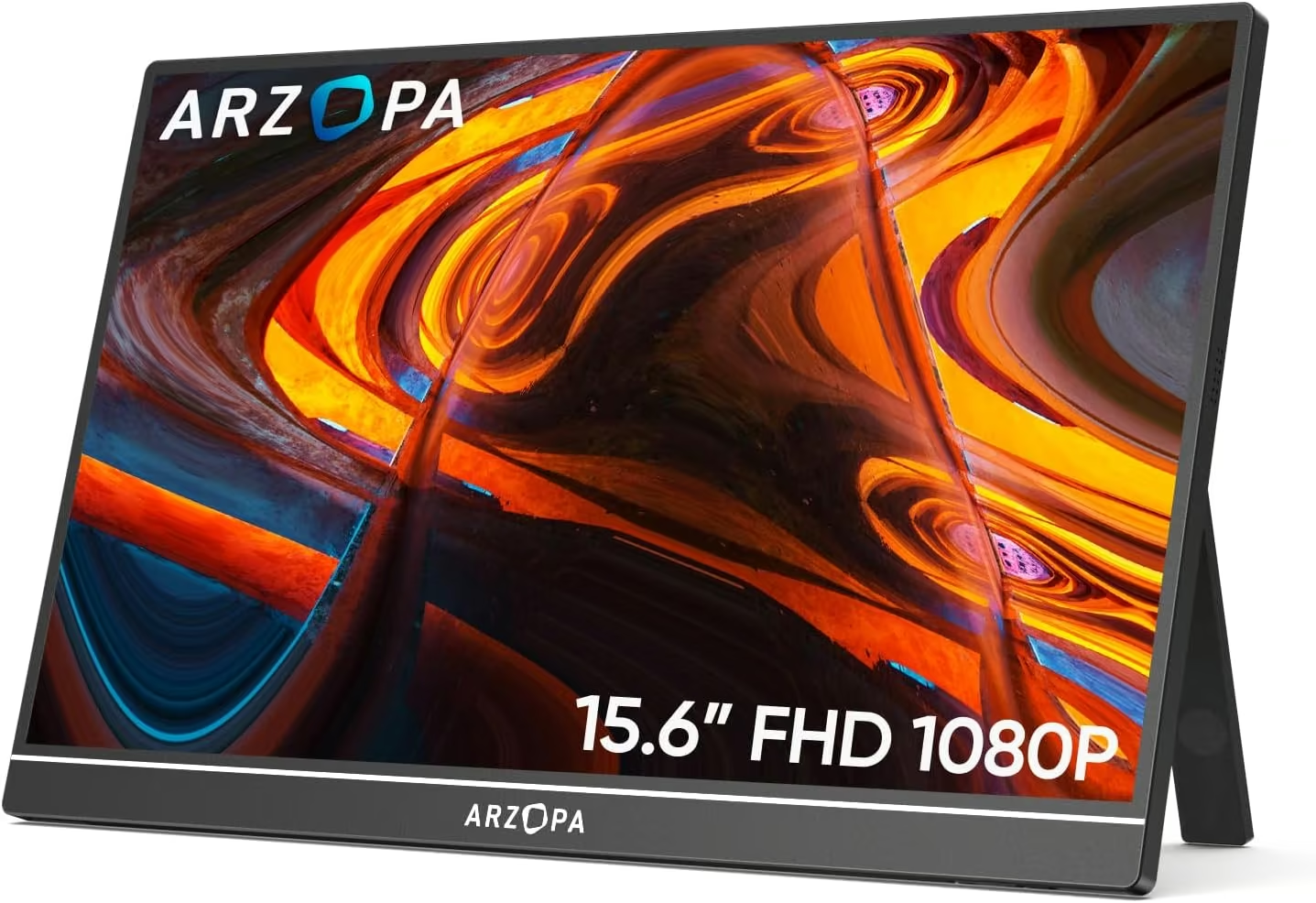
Best for buyers on the tightest budget, the ARZOPA 15.6-inch FHD Monitor is the cheapest verified pick in this guide without cutting corners on build quality, thanks to an all-metal chassis and a built-in kickstand that most rivals charge extra for.
The 15.6-inch IPS panel runs at 1920×1080 with a matte, anti-glare finish and connects over USB-C or HDMI, so it pairs with a laptop, a Steam Deck, a PS5, an Xbox or a Nintendo Switch. At 1.6lb and just 0.35 inches thick, it slips into a laptop bag alongside a 13-14 inch notebook without adding much bulk.
It has built up an enormous 3,692-review track record on Amazon at 4.5 stars and carries the Amazon’s Choice badge, an unusually deep sample for a budget accessory. The honest trade-offs: it is capped at 60Hz, there is no touchscreen, and it skips the built-in battery some pricier rivals include, so it needs a powered USB-C port or the included adapter to run.
Pros
- Cheapest verified pick here without a plastic-feeling build
- All-metal chassis with a built-in kickstand
- Huge 3,692-review track record and wide device compatibility
Cons
- 60Hz refresh rate only
- No touchscreen
- No built-in battery, needs external power
Key specs: 15.6-inch IPS, 1920×1080, matte, 60Hz; USB-C + HDMI; metal chassis with kickstand; 1.6lb; no touch, no battery.
2. MSI PRO MP161 E2 – Best Trusted Brand, Ultra-Thin
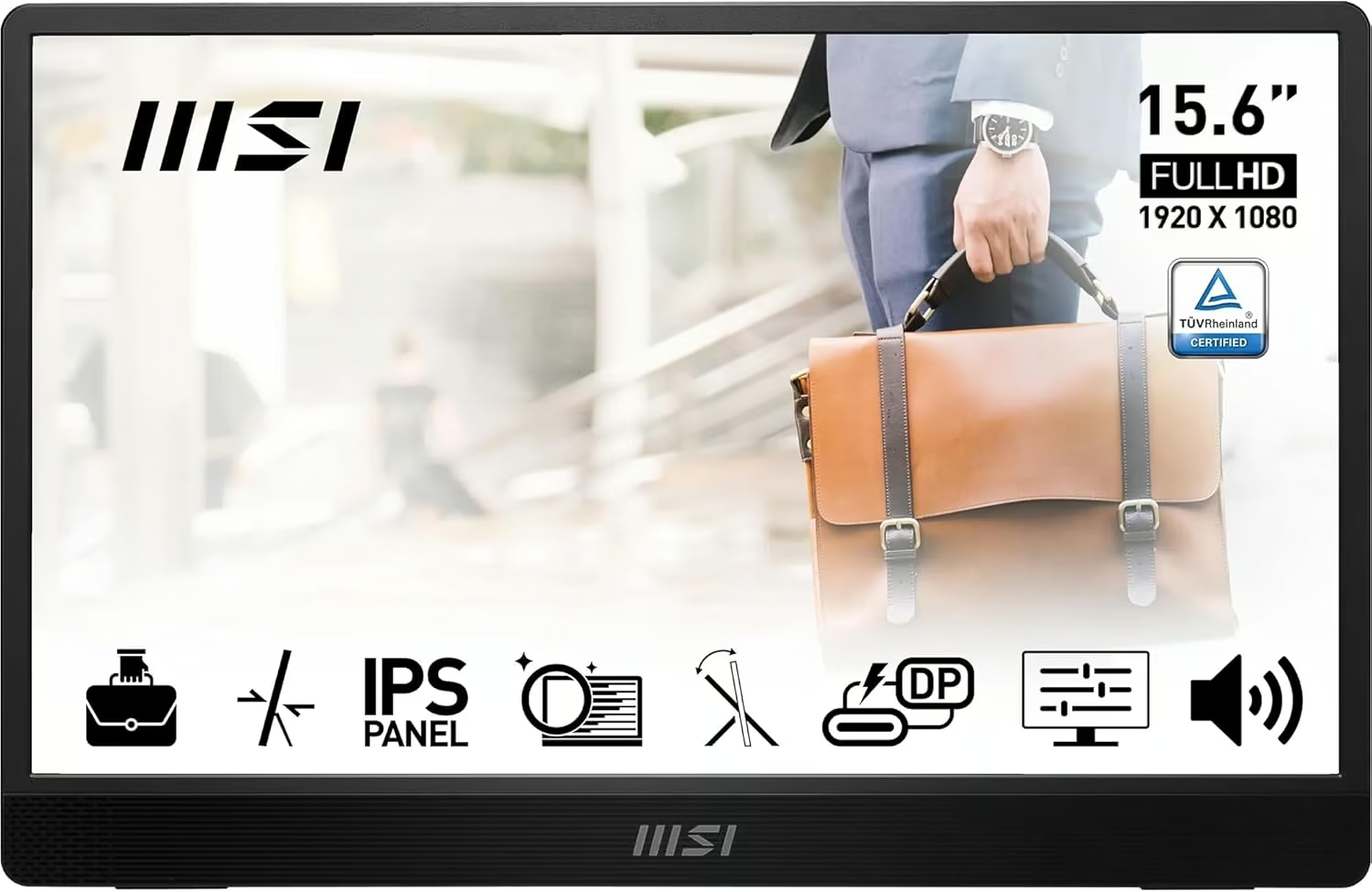
Best for buyers who want a recognised name-brand display for business travel, the MSI PRO MP161 E2 is the thinnest and lightest monitor from an established manufacturer in this guide, built to disappear into a laptop bag.
At just 1.08cm thick and 0.75kg, the 15.6-inch matte IPS panel runs 1080p with a wide 170-degree viewing angle. Two USB-C ports (one with 15W power delivery and DisplayPort Alt Mode) plus a mini-HDMI cover most laptops and phones, a fold-out kickstand doubles as a cover, and TÜV-certified low blue light settings ease eye strain on long days.
It is rated 4.4 stars from 225 Amazon reviews and carries the Amazon’s Choice badge. The honest trade-offs: it ships from Amazon UK, so delivery takes longer than the Amazon AU-fulfilled picks here, it is capped at 60Hz, and the built-in 1.5W speakers are noticeably quiet.
Pros
- Recognised MSI brand name and build quality
- Genuinely ultra-thin (1.08cm) and light (0.75kg)
- Dual USB-C ports plus mini-HDMI for flexible connections
Cons
- Ships from Amazon UK, so slower delivery to NZ
- 60Hz refresh rate only
- Built-in speakers are quiet
Key specs: 15.6-inch IPS, 1920×1080, matte, 170° viewing, 60Hz; 2x USB-C (15W PD) + mini-HDMI; 1.08cm thick; 0.75kg; TÜV low blue light; no touch, no battery.
3. VisionOwl Touchscreen 15.6″ – Best for Touch-First Workflows
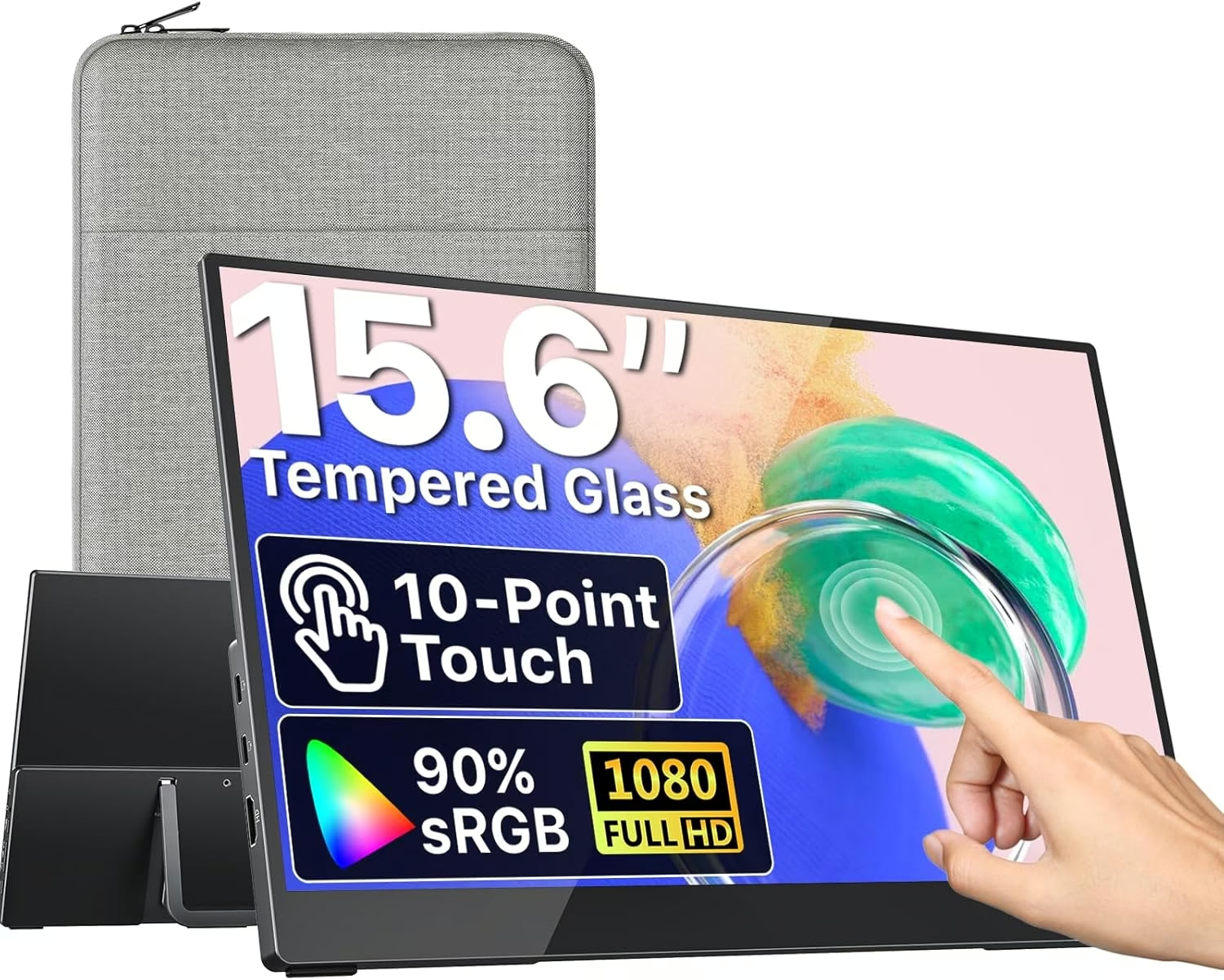
Best for touch-first workflows like digital drawing, presentations or kiosk-style use, the VisionOwl 15.6-inch Touchscreen Monitor is built around a durable glass touch surface rather than treating touch as an afterthought.
A 10-point capacitive touchscreen works over a single USB-C cable with no drivers to install, sitting behind tempered glass on an aluminium body rated at 270 nits. An adjustable kickstand and VESA mounting holes let it sit on a desk or a monitor arm, and it ships with a protective sleeve.
It holds a perfect 5.0-star rating, though from only 9 Amazon reviews so far, too small a sample to call a real track record yet. The honest trade-offs: touch only works over a full-function USB-C connection (not HDMI), there is no built-in battery for use away from power, and the glossy glass shows fingerprints more than a matte panel.
Pros
- Durable tempered-glass touch surface, not a flexible overlay
- Premium aluminium body with VESA mounting holes
- 10-point touch needs no driver install over USB-C
Cons
- Very small review sample (9 ratings) so far
- Touch requires a full-function USB-C connection, not HDMI
- No built-in battery for use away from power
Key specs: 15.6-inch IPS, 1920×1080, glossy tempered glass, 270 nits, 10-point touch (USB-C); aluminium body; adjustable kickstand; VESA mount; protective sleeve included; no battery.
4. EVICIV 15.6″ Touchscreen with Battery – Best for Working Untethered from Power
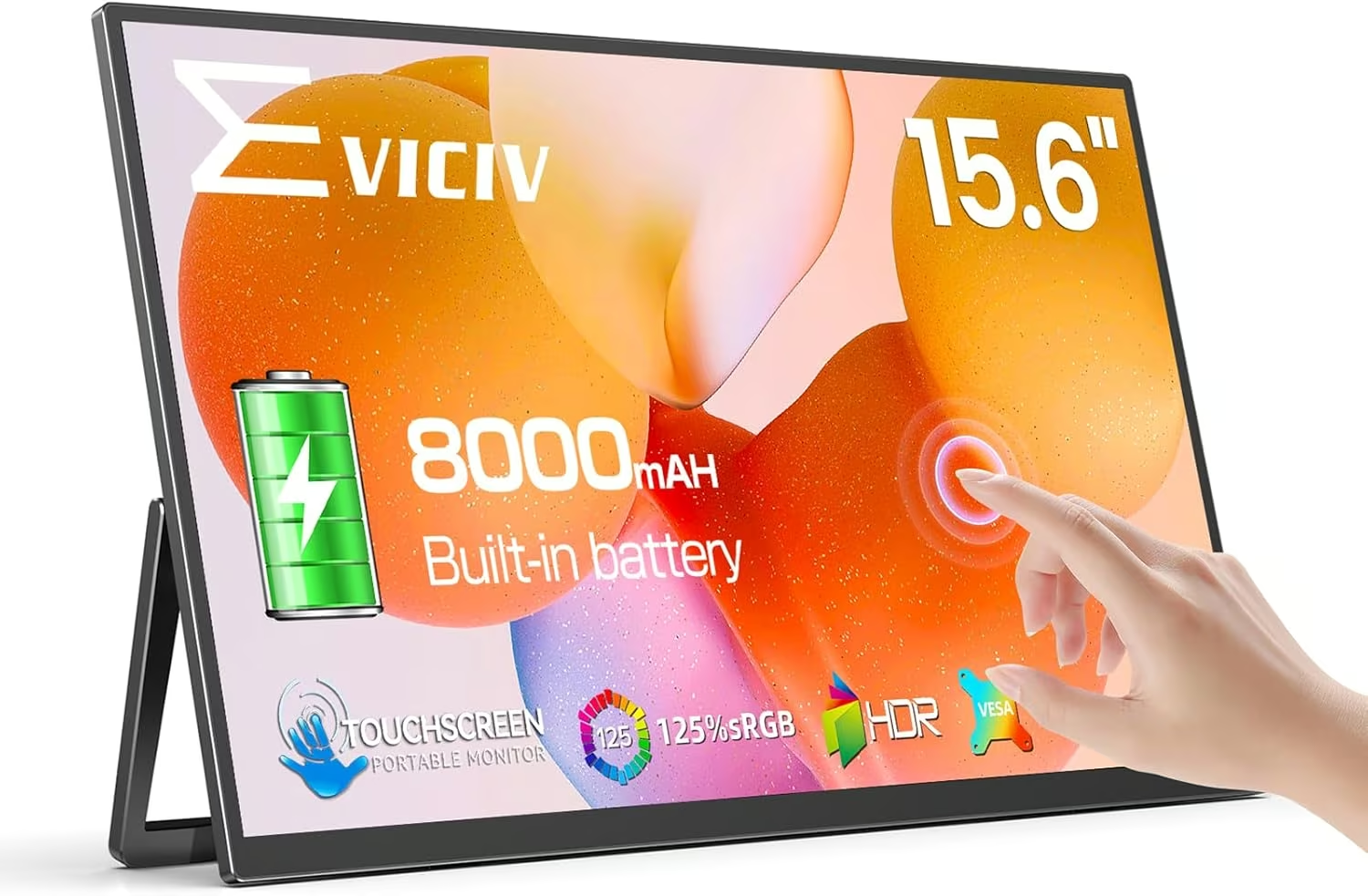
Best for working away from any power outlet, the EVICIV 15.6-inch Touchscreen Monitor is the only battery-equipped pick in this guide, with an 8000mAh cell built in that can even double as an emergency power bank for a phone.
The 1080p IPS panel covers 125% sRGB with a 1500:1 contrast ratio and a matte finish, and a 10-point touchscreen works over USB-C. An adjustable 180-degree stand and a slim 1.4lb, 0.23-inch body make it easy to angle on a desk or prop up on a plane tray table.
It is rated 4.4 stars from 257 Amazon reviews. The honest trade-offs: the touchscreen is not compatible with iOS devices, using it over mini-HDMI drops the touch function and needs separate power, and it is the second-priciest pick here as a result of the extra battery hardware.
Pros
- Only verified battery-equipped model in stock, works away from power
- Doubles as an 8000mAh emergency power bank
- Decent 125% sRGB colour gamut for a touchscreen panel
Cons
- Touchscreen not compatible with iOS devices
- Mini-HDMI mode loses touch and needs separate power
- Priced higher than the non-battery picks here
Key specs: 15.6-inch IPS, 1920×1080, 125% sRGB, 1500:1 contrast, matte, 10-point touch (USB-C); built-in 8000mAh battery; mini-HDMI; 1.4lb; 0.23in thick.
5. VisionOwl Large Portable Monitor – Best for Productivity & Screen Real Estate
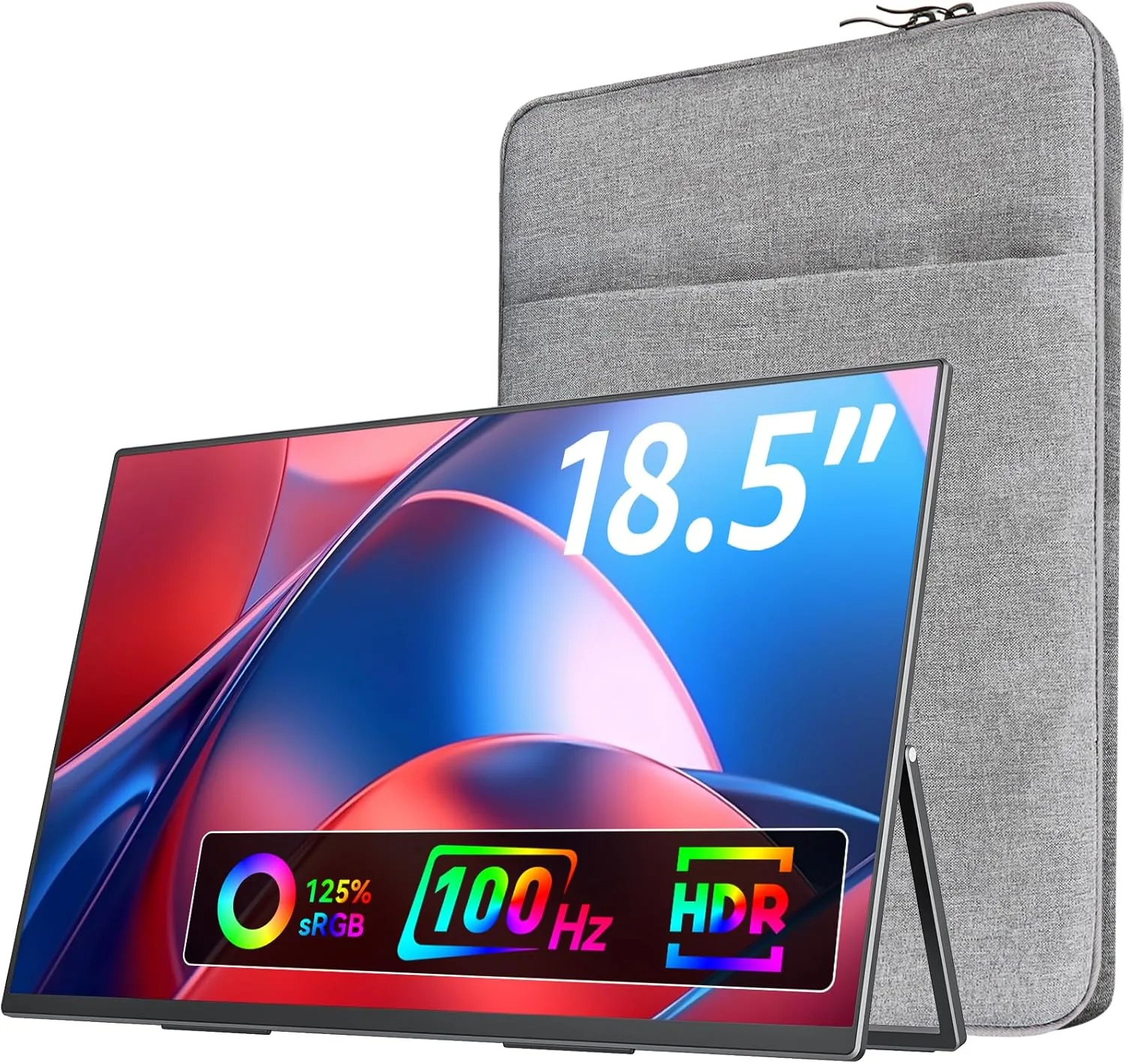
Best for anyone who wants real screen real estate for spreadsheets and multi-window work, the VisionOwl 18.5-inch is the largest verified panel in this guide, stepping up from the usual 15.6-inch portable size.
The 1080p IPS panel covers 125% sRGB with a matte finish and a genuine 100Hz refresh rate, smoother than the 60Hz standard most portable monitors are capped at. A metal back panel houses a built-in kickstand and speakers, and VESA mounting holes let it go on an arm at a desk.
It is Amazon’s Choice and shows over 50 bought in the past month, backed by 872 reviews at 4.8 stars, the strongest review volume and rating combination of any pick here. The honest trade-offs: this listing does not offer free delivery to NZ (a small paid delivery fee applies), it is the heaviest screen-only monitor in this guide at 2.7lb, and it skips touch and battery entirely.
Pros
- Largest verified screen here at 18.5 inches
- Strong 4.8-star rating from 872 reviews, Amazon’s Choice
- Genuine 100Hz refresh rate, smoother than the usual 60Hz
Cons
- No free delivery option to NZ on this listing
- Heaviest screen-only monitor here at 2.7lb
- No touchscreen or built-in battery
Key specs: 18.5-inch IPS, 1920×1080, 125% sRGB, matte, 100Hz; built-in kickstand + speakers; VESA mount; 2.7lb; no touch, no battery.
6. NexiGo 144Hz 17.3″ Portable Gaming Monitor – Best for Gaming on the Move
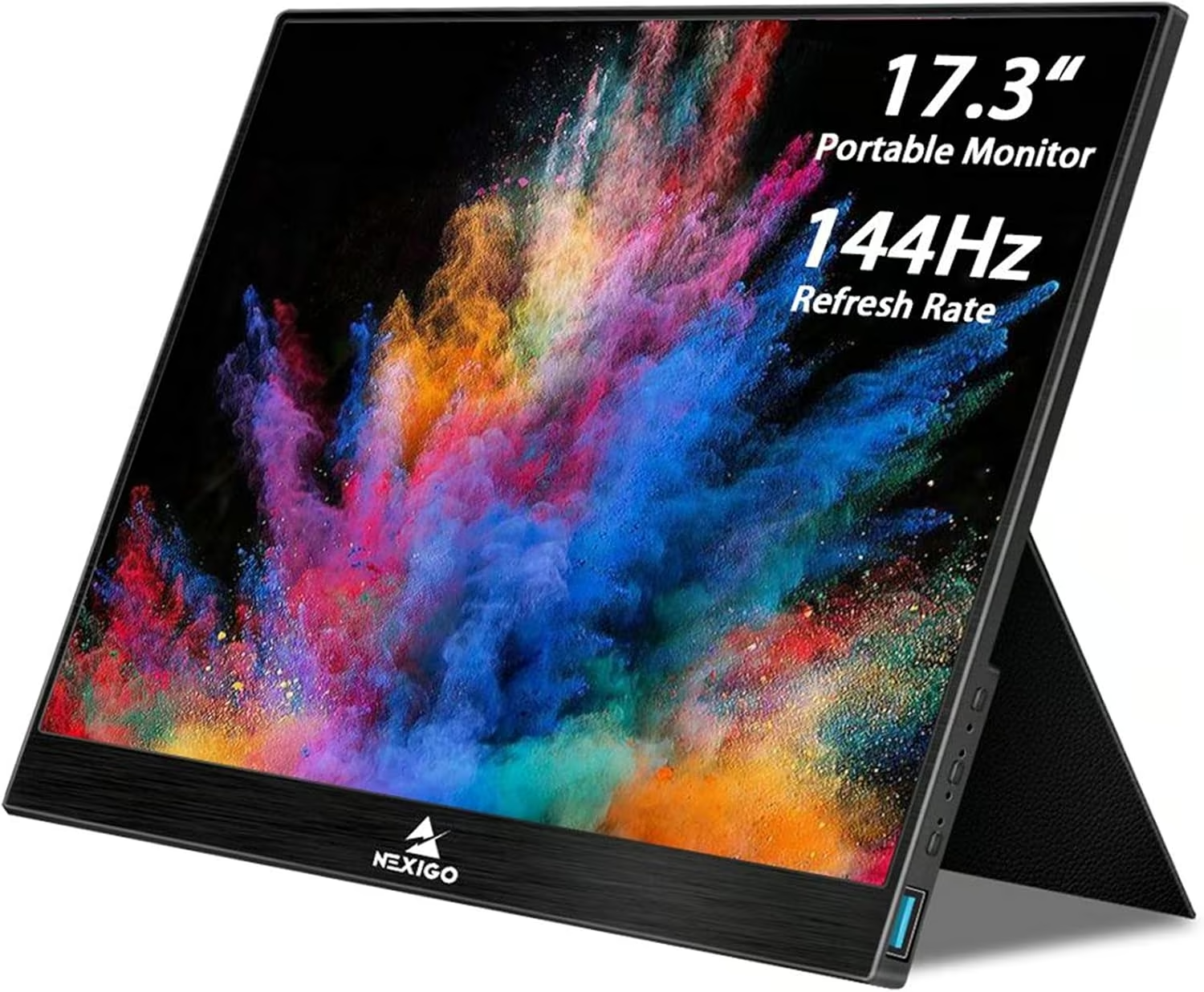
Best for console or PC gaming away from a fixed setup, the NexiGo 17.3-inch is the only genuine gaming-grade portable monitor in this guide, running a true 144Hz refresh rate rather than the 60Hz most portable screens are limited to.
The 1080p IPS panel covers 100% sRGB with a 1000:1 contrast ratio and a 4ms response time, and it supports FreeSync plus G-Sync compatibility over its USB-C input. HDMI and USB-C connections are both included, and a smart cover doubles as a stand for desk or lap use.
It is rated 4.2 stars from 103 Amazon reviews. The honest trade-offs: it ships from Amazon US, so import delivery takes longer than an AU-fulfilled item, G-Sync compatibility is limited to the USB-C input rather than HDMI, and there is no built-in battery for portable power.
Pros
- Genuine 144Hz refresh rate, well above the usual 60Hz
- FreeSync and G-Sync compatible for smoother gaming
- Large 17.3-inch panel with HDMI and USB-C both included
Cons
- Ships from Amazon US, so slower import delivery to NZ
- G-Sync compatibility limited to the USB-C input
- No built-in battery
Key specs: 17.3-inch IPS, 1920×1080, 100% sRGB, 144Hz, 4ms, FreeSync/G-Sync compatible; HDMI + USB-C; smart cover/stand; no touch, no battery.
7. VisionOwl Portable Monitor – Best for Colour-Accurate Photo & Video Editing
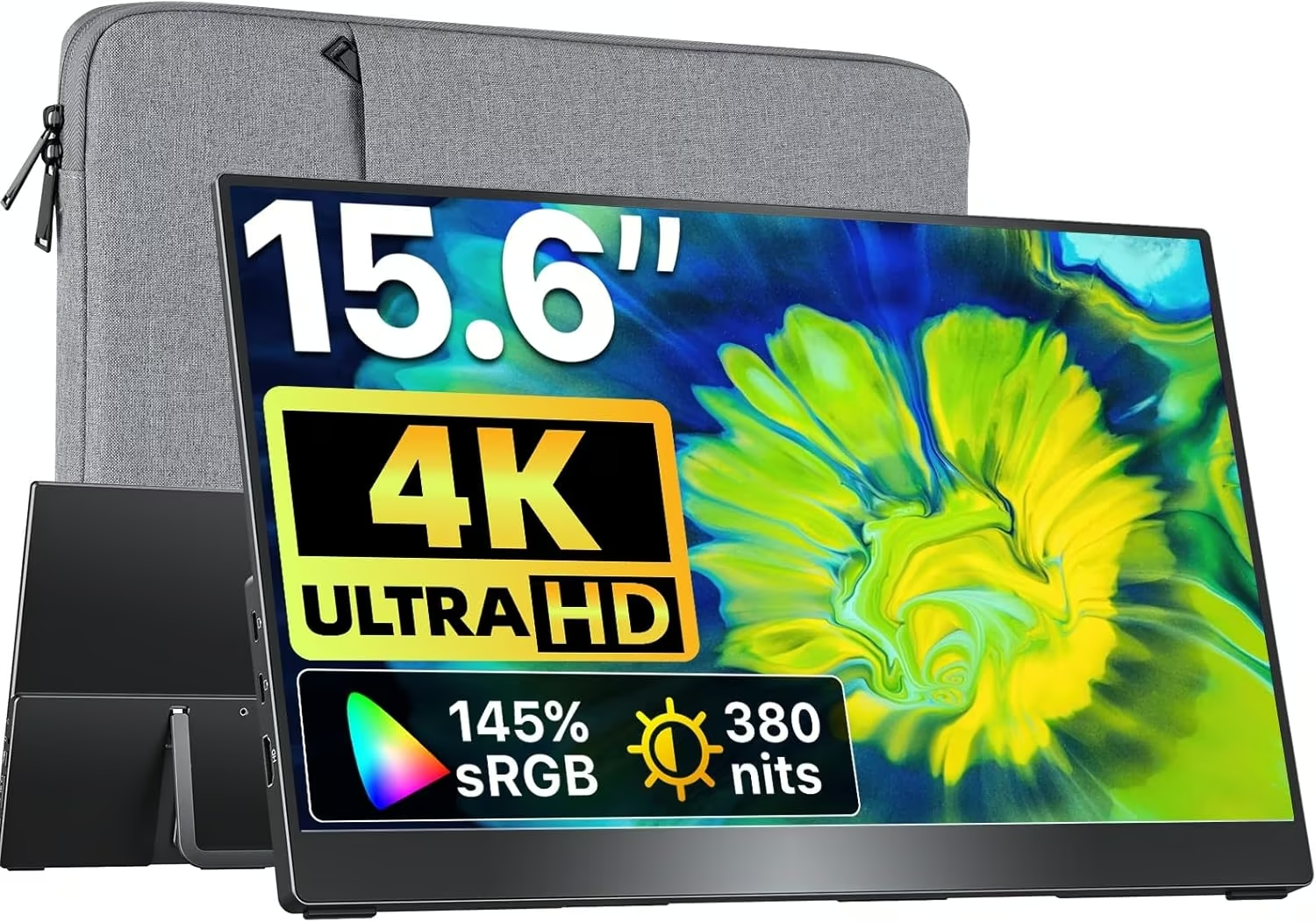
Best for photo and video editing on the go, the VisionOwl 15.6-inch 4K is the only true 4K panel in this guide, giving editors far more resolution to work with than the 1080p standard most portable monitors ship with.
The 3840×2160 IPS panel covers a wide 145% sRGB with HDR and FreeSync support, and a single USB-C cable using DisplayPort Alt Mode carries both video and power for plug-and-play use with a compatible laptop. A metal kickstand, built-in speakers and VESA mounting holes round out the package.
It holds a 4.9-star rating, though from only 12 Amazon reviews so far, a small sample for a newer listing. The honest trade-offs: driving a 4K image over a single USB-C cable can be demanding for some laptops’ graphics output, there is no touchscreen or battery, and the deep review history the budget picks here have built up simply is not there yet.
Pros
- True 4K UHD resolution, the only panel this sharp here
- Wide 145% sRGB colour gamut with HDR support
- Single-cable USB-C plug-and-play with compatible laptops
Cons
- Small review sample (12 ratings) so far
- 4K over a single USB-C cable can strain some laptops’ graphics output
- No touchscreen or built-in battery
Key specs: 15.6-inch IPS, 3840×2160 4K UHD, 145% sRGB, HDR, FreeSync; USB-C (DP Alt Mode) + HDMI; metal kickstand + speakers; VESA mount; no touch, no battery.
8. Espresso Lite 15 Portable Monitor – Best Lightest Daily-Carry Second Screen
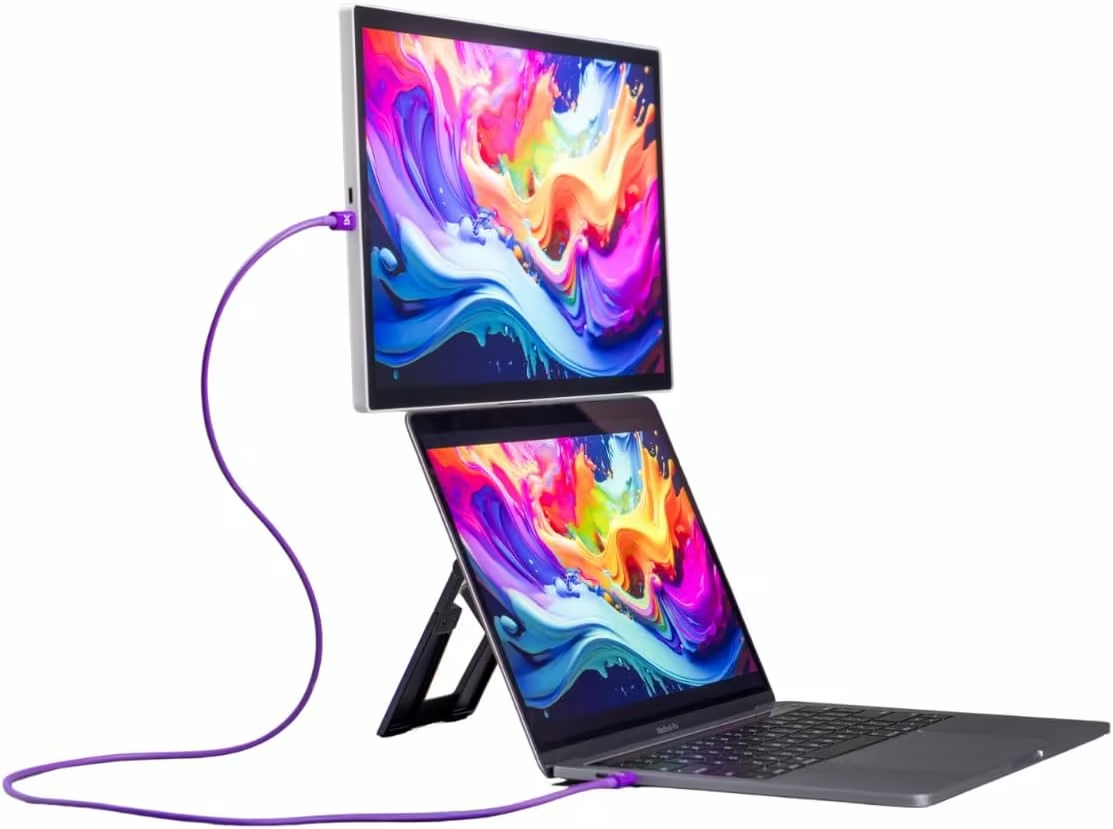
Best for anyone who wants the lightest possible second screen to carry every day, the Espresso Lite 15 is the slimmest and brightest panel in this guide, built for minimalists who notice every gram in a bag.
The display alone weighs just 715g, and a single USB-C cable using DisplayPort Alt Mode carries both video and power, drawing only 5W. The 1080p IPS panel covers 100% sRGB with a 1000:1 contrast ratio and hits 400 nits of brightness, the brightest panel in this guide, behind 6H hardened glass, and a companion app lets you fine-tune the display.
It is rated 4.2 stars from 23 Amazon reviews. The honest trade-offs: it carries a premium price for a 1080p-only panel, the listing does not confirm an HDMI fallback if a laptop lacks a compatible USB-C port, and its review count is smaller than the budget picks here, though early ratings are strong.
Pros
- Lightest display here at just 715g
- Brightest panel in this guide at 400 nits
- Single-cable USB-C power and video, sips just 5W
Cons
- Premium price for a 1080p-only panel
- No confirmed HDMI fallback on this listing
- Smaller review count than the budget picks here
Key specs: 15.6-inch IPS, 1920×1080, 100% sRGB, 400 nits, 1000:1 contrast, 6H glass; single USB-C (DP Alt Mode), 5W draw; 715g; companion app; no touch, no battery.
How to Choose the Best Portable Monitor for You
There are a few things worth thinking through before buying a portable monitor: screen size and weight, resolution and refresh rate, brightness, how it stands up, whether you need a battery, and how it connects to your gear. Here’s what actually matters.
Screen Size & Weight
15.6 inches is the sweet spot for most buyers, big enough to be useful as a second screen and light enough to travel well; the ARZOPA, MSI, VisionOwl touchscreen, EVICIV and Espresso Lite picks here are all this size. Step up to the 18.5-inch VisionOwl or 17.3-inch NexiGo if you want more real screen space or a bigger gaming picture and don’t mind the extra weight and bag space.
Resolution & Refresh Rate
1080p (1920×1080) is standard and plenty sharp for most work, browsing and casual gaming. If you edit photos or video, the 4K VisionOwl gives far more resolution and a wider colour gamut to work with. If you game, refresh rate matters more than resolution: most portable monitors are capped at 60Hz, but the NexiGo runs a genuine 144Hz and the larger VisionOwl 18.5-inch runs 100Hz, both noticeably smoother for fast motion.
Brightness
Most portable monitors sit between 250 and 300 nits, fine for an indoor desk but washed out in direct sun. The Espresso Lite is the brightest pick here at 400 nits, worth considering if you often work outdoors or near a window.
Stand, Case & Mounting
Nearly every monitor here folds out its own kickstand or ships with a case/cover that doubles as a stand, so you rarely need to buy one separately. If you want to mount a monitor on an arm at a permanent desk as well as travel with it, check for VESA mounting holes, which the VisionOwl and NexiGo picks here both include.
Built-In Battery
Only the EVICIV in this guide has a built-in battery (8000mAh), letting it run for a while away from any power source and even charge a phone in a pinch. Every other pick needs a powered USB-C port, a wall adapter, or a laptop battery to run, which is fine at a desk but worth knowing before a long day off-grid.
Connectivity
USB-C with DisplayPort Alt Mode is the modern standard, carrying video and power over a single cable if your laptop or phone supports it; HDMI remains the reliable fallback for anything older, and most monitors here include both. If you want touch input, make sure it’s confirmed over the connection you’ll actually use, since some touchscreens (like the EVICIV) only work over USB-C, not HDMI.
To finish the desk setup, the guides to laptop docking stations and webcams are worth a look.
Verdict
For most buyers, the ARZOPA 15.6-inch is the easiest recommendation here: it’s the cheapest verified pick, well-built, and backed by an enormous review history. Choose the MSI PRO MP161 E2 if you want a recognised brand and the thinnest travel profile, or the Espresso Lite 15 if shaving every last gram matters most. Reach for the VisionOwl or EVICIV touchscreens if you want to tap and draw directly on the screen, and the EVICIV specifically if you need to run untethered from power. Editors should look at the 4K VisionOwl, gamers at the 144Hz NexiGo, and anyone who wants a bigger canvas for spreadsheets and windows at the 18.5-inch VisionOwl. Whichever one you choose, pair it with one of the best lightweight laptops to keep the whole travel setup light.
FAQs
What is the best portable monitor for most people in NZ?
For most buyers the ARZOPA 15.6-inch FHD Monitor is the easiest recommendation, since it pairs solid build quality with the lowest price and the deepest review history in this guide. If budget isn’t the deciding factor, a name-brand pick like the MSI PRO MP161 E2 or a specialty option like a 4K or 144Hz screen may suit specific needs better.
Do portable monitors need their own power source?
Most don’t have a built-in battery, so they draw power from your laptop over USB-C, from a wall adapter, or from a power bank. Only the EVICIV in this guide has a built-in battery, letting it run untethered from any power source for a while.
Can I use a portable monitor with my phone?
Yes, if your phone supports USB-C video output (DisplayPort Alt Mode), which most recent Android phones do; iPhones generally need a compatible adapter or a monitor with the right input. Check your specific phone model’s video-out support before buying.
What’s the difference between HDMI and USB-C on a portable monitor?
USB-C with DisplayPort Alt Mode can carry both video and power over a single cable, which is why it’s becoming the standard. HDMI carries video only, so you’ll need a separate power cable, but it works with a wider range of older laptops and devices that lack video-capable USB-C ports.
Are touchscreen portable monitors worth it?
They’re worth it if you present, sketch, or want a tablet-like second screen, since drawing or tapping directly on the display is more natural than using a mouse. For general productivity work, a non-touch monitor is usually cheaper and just as capable.
Do portable monitors work for gaming and consoles?
Yes, most connect to a PS5, Xbox or Nintendo Switch over HDMI. If you want smoother motion for fast-paced games, look for a higher refresh rate like the 100Hz or 144Hz picks in this guide rather than the usual 60Hz.
How much should I expect to pay for a decent portable monitor in NZ?
A solid 1080p, 60Hz portable monitor from a lesser-known brand is the cheapest entry point, a name-brand ultra-thin model costs more, and specialty options like 4K, high refresh rate or a built-in battery sit at the top of the range.
