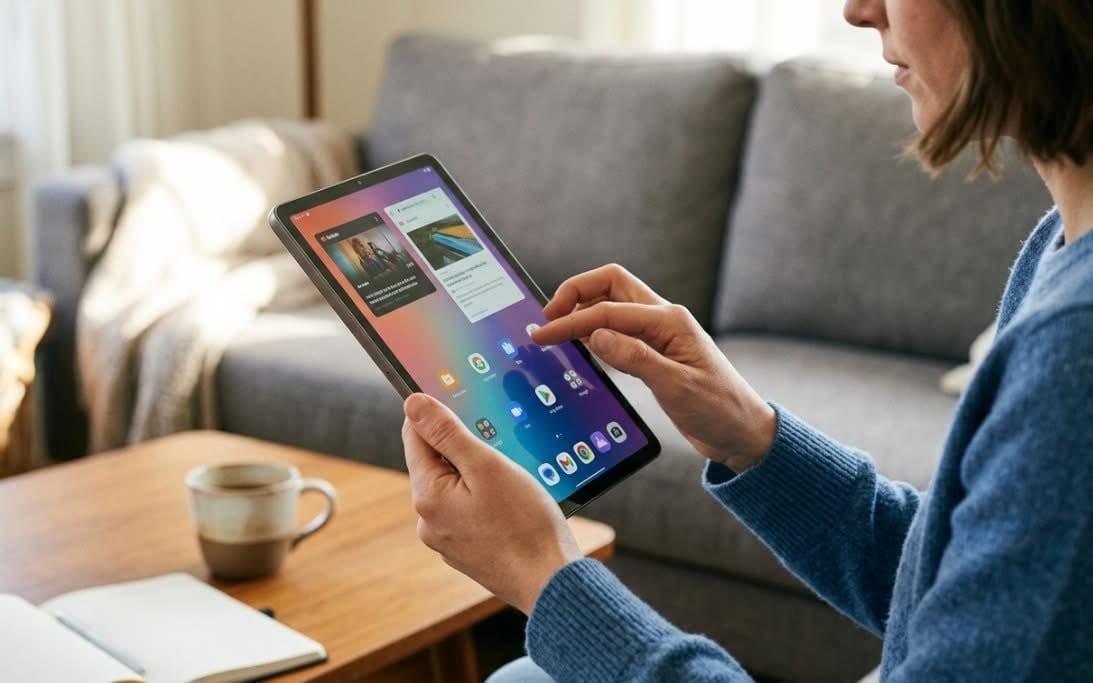
You can pick up a genuinely usable Android tablet in NZ from around $69, but the real question is what “usable” means for your budget. Below we cover 7 currently-available tablets ranging from a purpose-built kids tablet to a genuine Samsung Galaxy Tab, with every RAM and storage figure checked against the seller’s own spec sheet, since several budget tablet listings advertise inflated “virtual RAM” numbers that are not real physical memory.
| Tablet | Best For |
|---|---|
| 1. Samsung Galaxy Tab A11 8.7″ | Best Overall |
| 2. Lenovo Tab 10.1″ (MediaTek Helio G85) | Best Under $210 |
| 3. Lenovo Tab 10.1″ FHD (with Case) | Best Storage / Best with Case Included |
| 4. Lenovo Idea Tab 11″ 2.5K (with Pen) | Best Display / Best for Note-Taking |
| 5. BYYBUO 10.1″ Android Tablet | Best Under $110 |
| 6. 10.1″ Budget Android Tablet | Best Value Around $135 |
| 7. Kids Tablet 7″ | Best for Kids |
1. Samsung Galaxy Tab A11 8.7″ – Best Overall
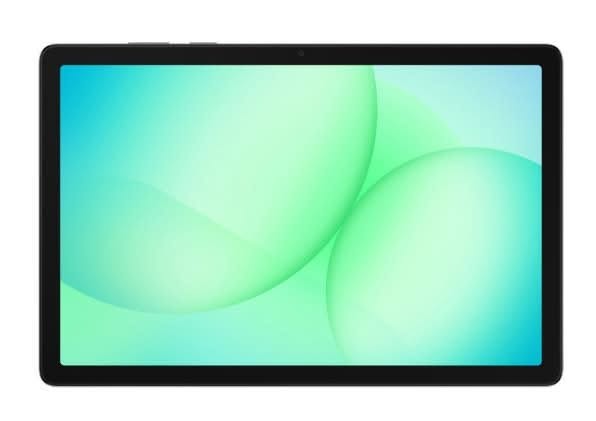
If you want the reassurance of a genuine name-brand tablet without paying flagship prices, this is the one to start with.
The Galaxy Tab A11 comes with a real 4GB of RAM and 64GB of storage, an 8.7″ display, and full Samsung software support, including security updates, which the generic no-name tablets in this guide simply do not offer.
With 228 reviews and a solid 4.1-star average, it also has the most established track record of any tablet in this list under $250.
Pros
- Genuine Samsung hardware and software support
- 228 reviews, the most trusted budget tablet here
- Compact 8.7″ size is easy to hold one-handed
Cons
- 4GB RAM and 64GB storage are modest by 2026 standards
- No stylus or keyboard included
2. Lenovo Tab 10.1″ (MediaTek Helio G85) – Best Under $210

This is the cheapest genuine Lenovo tablet in this guide, and it still gets you a proper 10.1″ Full HD-class WUXGA screen and the same Helio G85 processor used in Lenovo’s pricier Tab 10.1 model.
4GB of RAM is soldered (not virtual/expanded), and 64GB of eMMC storage covers apps, streaming, and browsing comfortably.
Its 4.8-star rating is excellent, though it is still early days with only 8 reviews, so treat it as a promising newer listing rather than a long-proven one.
Pros
- Genuine Lenovo build at the lowest price in this guide
- Real (not virtual) 4GB RAM
- Large 10.1″ WUXGA display
Cons
- Only 8 reviews so far
- 64GB storage will fill up if you install many apps
Price: $208.66 | Rating: 4.8★ (8 reviews)
3. Lenovo Tab 10.1″ FHD – Best Storage / Best with Case Included

Double the storage of the other Lenovo tablets here at 128GB, plus a clear protective case with a built-in kickstand included in the box.
It runs the same MediaTek Helio G85 chip and 4GB RAM, with a 10.1″ Full HD display rated for hardware-certified low blue light, and up to 9.5 hours of streaming on a charge.
30 reviews and a 4.4-star average give it a solid track record for a mid-priced tablet.
Pros
- 128GB storage, double the other Lenovo tablets here
- Protective case with kickstand included
- Low blue light certified display for long viewing sessions
Cons
- Priciest tablet in this guide
- Still 4GB RAM despite the higher price
Price: $342.90 | Rating: 4.4★ (30 reviews)
4. Lenovo Idea Tab 11″ 2.5K – Best Display / Best for Note-Taking

The sharpest screen in this guide by far: an 11″ 2.5K (2560×1600) display with 4 Dolby Atmos-tuned speakers, noticeably above the 720p-1080p panels on most budget tablets.
It comes with a Lenovo Tab Pen included, so you can circle items to search, take handwritten notes, or annotate PDFs without buying a stylus separately.
The newer MediaTek Dimensity 6300 processor is a genuine step up from the Helio G85 used in Lenovo’s other tablets in this guide, and the 7040mAh battery is rated for up to 12 hours of video streaming.
Pros
- Sharpest display in this guide (2.5K resolution)
- Includes a Lenovo Tab Pen at no extra cost
- Newer, faster Dimensity 6300 processor
- Long 12-hour streaming battery life
Cons
- 128GB storage is not expandable-friendly for heavy media libraries
- Priced above the strict budget tier
Price: $313.63 | Rating: 4.4★ (42 reviews)
5. BYYBUO 10.1″ Android Tablet – Best Under $110
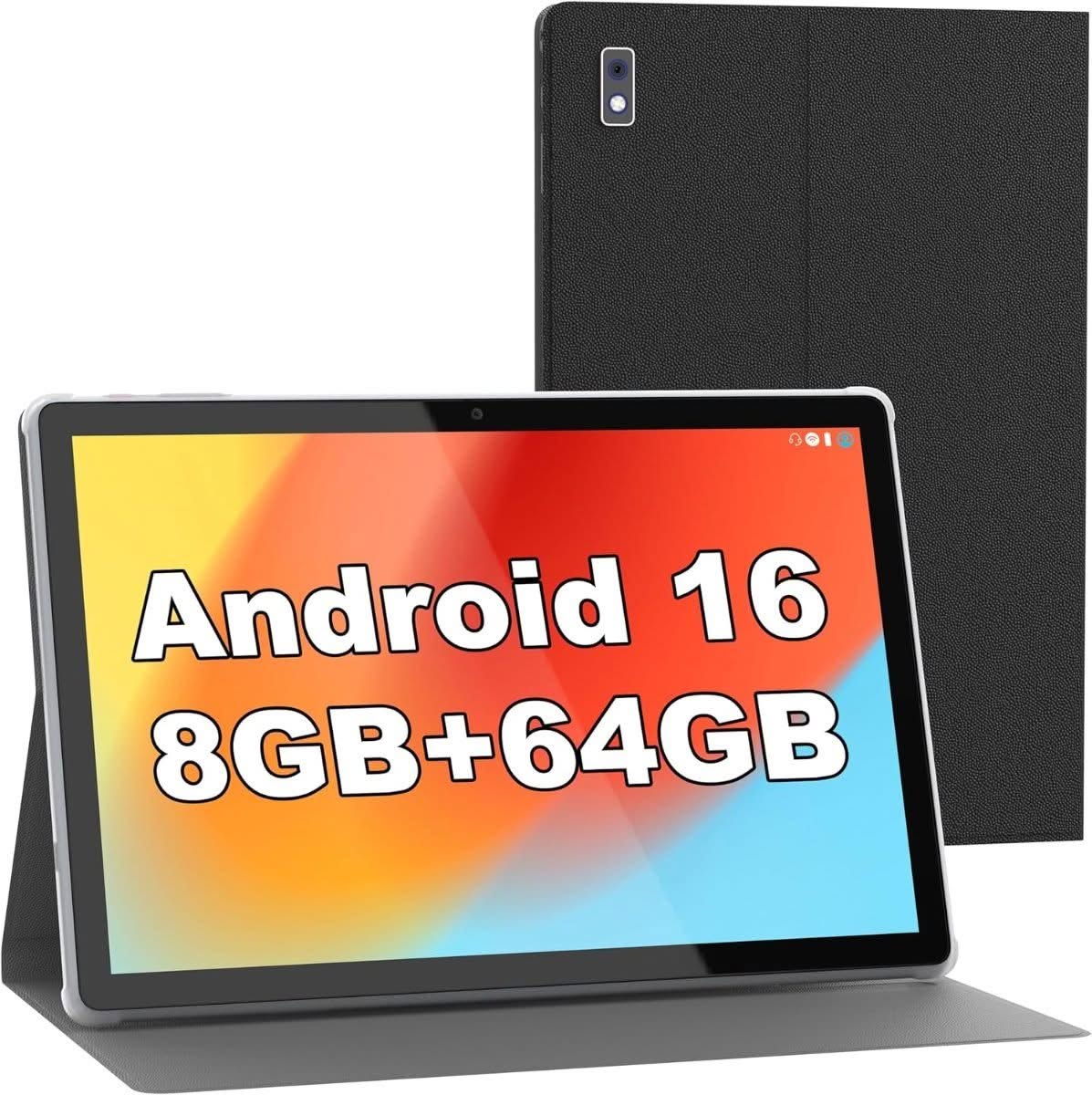
The most-reviewed tablet in this entire guide at over 1,300 reviews, and by far the cheapest way to get a 10.1″ Android tablet with a metal body and a case included.
One thing worth knowing before buying: the listing advertises “8GB RAM”, but its own spec sheet breaks that down as 3GB of physical RAM plus 5GB of virtual/expanded memory. The real, physical RAM is 3GB.
That is enough for browsing, video, and casual app use, but do not expect smooth heavy multitasking at this price.
Pros
- Over 1,300 reviews, the largest sample size in this guide
- All-metal body and case included, unusual at this price
- WiFi 6 and Bluetooth 5.4
Cons
- Real physical RAM is 3GB, not the “8GB” the listing headline implies
- Lower 3.8-star average than the Lenovo and Samsung options
Price: $105.58 | Rating: 3.8★ (1317 reviews)
6. 10.1″ Budget Android Tablet – Best Value Around $135
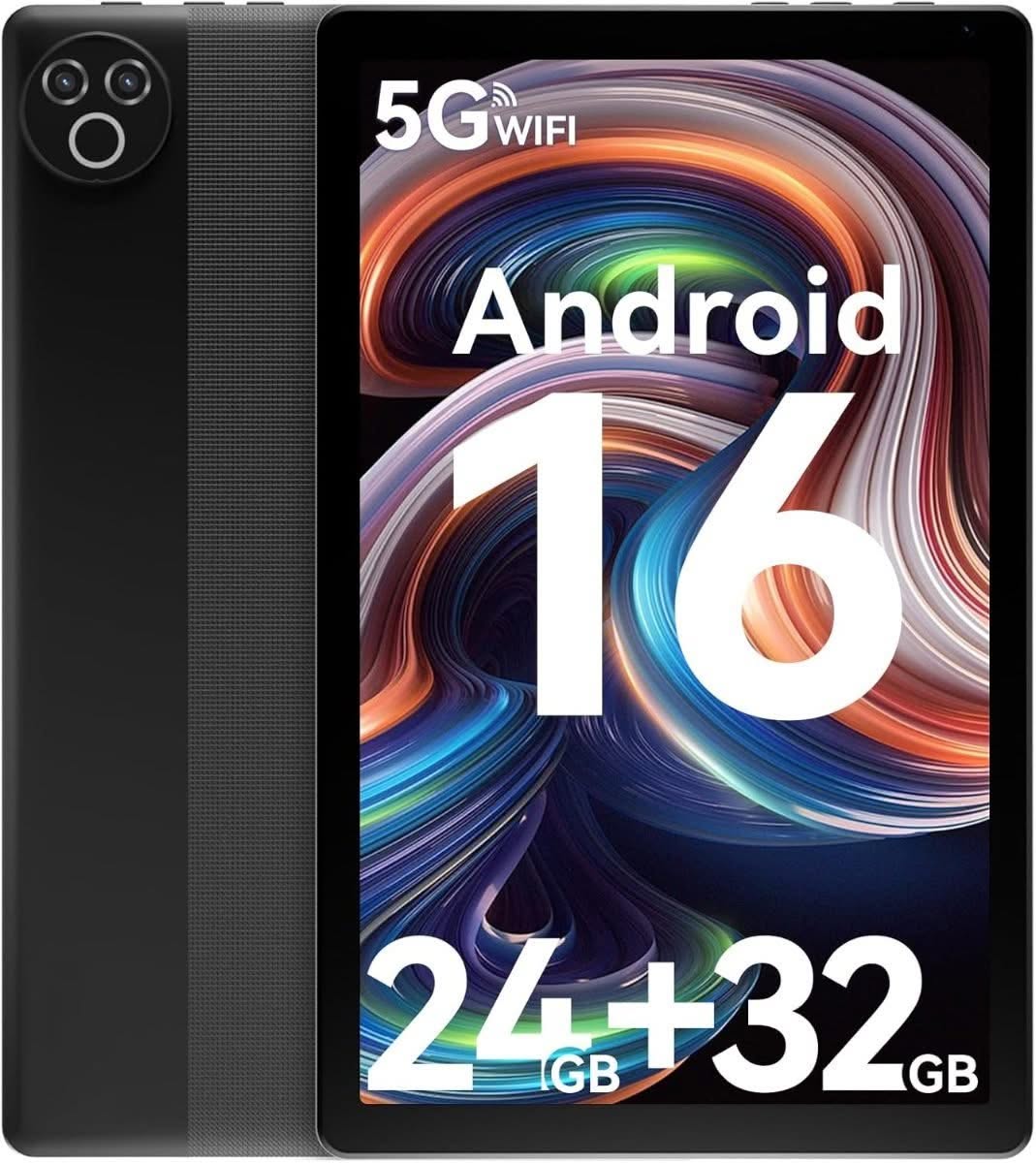
A step up in price from the cheapest option here, with 419 reviews and a stronger 4.2-star average to show for it.
It ships with Android 16 and Google Play pre-installed, so apps like YouTube, Netflix, and TikTok install normally.
As with the BYYBUO tablet above, the advertised “24GB RAM” figure is a combination of 3GB physical RAM and 21GB of virtual expansion. The real physical RAM is 3GB, which is worth knowing before you buy expecting flagship-level multitasking.
Pros
- 419 reviews with a strong 4.2-star average
- Ships with Android 16 and Google Play
- Wi-Fi 6 and Bluetooth 5.4
Cons
- Real physical RAM is 3GB despite the “24GB” headline figure
- Lower resolution 800×1332 display
Price: $135.90 | Rating: 4.2★ (419 reviews)
7. Kids Tablet 7″ – Best for Kids

Built specifically for children rather than adapted from an adult tablet: it comes with a shockproof case, parental controls, and a kid-friendly launcher that limits access to age-appropriate apps and content.
The 7″ screen uses low blue light technology, and 310 reviews with a 4.2-star average suggest it holds up well to real-world use by actual kids.
At 2GB of physical RAM (listed as “4GB” with 2GB of expansion) and 32GB storage, it is not meant to be a full tablet replacement, but for ages 3 and up it covers educational apps, videos, and games comfortably.
Pros
- Purpose-built for kids with parental controls and a kid-friendly launcher
- Shockproof protective case included
- 310 reviews with a solid 4.2-star average
Cons
- Real physical RAM is 2GB, fine for kids apps but not for adult use
- Not intended as a primary/adult tablet
Price: $69.14 | Rating: 4.2★ (310 reviews)
How to Choose an Affordable Tablet in NZ
Check the real RAM figure, not just the headline number. Several budget tablets advertise a large RAM number like “24GB” or “8GB” that actually combines a much smaller amount of physical RAM with “virtual RAM” borrowed from storage. Look at the seller’s own spec breakdown for the true physical figure.
Decide if you need a recognised brand. A Samsung or Lenovo tablet costs more than a generic one, but you get ongoing software and security updates, which generic Android tablets often do not receive after purchase.
Match the screen to how you will use it. A sharper, larger display matters more for reading, note-taking, or streaming video. If the tablet is mainly for basic browsing or a child’s use, a smaller or lower-resolution screen is a reasonable trade-off for a lower price.
For kids, buy a kids-specific tablet. A tablet built for children includes parental controls, a protective case, and a restricted app launcher out of the box, rather than needing separate software or accessories added afterwards.
Anything that lives docked at a desk all day is better served by computer monitors than by a screen you have to prop against something. Budget tablets share their processors with entry-level notebooks, so it is worth reading the best laptops picks before committing either way. Typing anything longer than a message is where tablets give up, and a student laptop costs little more once you have added a keyboard case.
Verdict
For most people, the Samsung Galaxy Tab A11 is the safest overall pick thanks to genuine Samsung hardware, ongoing software support, and 228 reviews behind it. If you want to spend less and still get a real brand, the Lenovo Tab 10.1″ is the cheapest genuine Lenovo tablet here. For note-taking or watching video, the Lenovo Idea Tab 11″ 2.5K has the sharpest screen and includes a stylus. If budget is the only priority, the BYYBUO 10.1″ is the cheapest option with a real track record, just go in knowing its actual RAM is 3GB, not the “8GB” advertised.
Frequently Asked Questions
What is the cheapest tablet you can buy in NZ?
Genuine, well-reviewed Android tablets start from around $69 to $105 on Amazon AU with delivery to NZ, though at that price the real physical RAM is usually 2GB to 3GB rather than the larger figures some listings advertise.
Why do some tablets advertise 8GB or 24GB RAM at such a low price?
Many budget tablet listings add “virtual RAM” (borrowed from storage) to the real physical RAM to advertise a bigger headline number. Check the seller’s own spec breakdown, which usually shows the true physical RAM figure in brackets, such as “8(3+5)GB”.
Is a Samsung or Lenovo tablet worth paying more for over a generic brand?
Yes, if ongoing software and security updates matter to you. Generic budget tablets are cheaper upfront but typically do not receive updates after purchase, while Samsung and Lenovo continue supporting their tablets for longer.
What should I look for in a tablet for a child?
Look for a tablet built specifically for kids, with parental controls, a restricted app launcher, and a shockproof case included. These features are harder to add to a standard adult tablet after the fact.
How much storage do I actually need on a budget tablet?
64GB is comfortable for browsing, streaming, and a reasonable number of apps. If you plan to download a lot of video or games for offline use, look for a tablet with 128GB storage or microSD expansion.
Do budget tablets support the Google Play Store?
Most genuine budget Android tablets covered in this guide are GMS-certified and support the Google Play Store out of the box, allowing normal downloads of apps like YouTube, Netflix, and TikTok.
