The best computer monitor in NZ overall is the Dell SE2726H, a fast 27-inch Full HD monitor with a 144Hz refresh rate that suits everyday work, browsing and gaming without paying for resolution or features most people won’t use.
The right monitor depends heavily on what you actually do with it: office work rewards extra screen space and eye comfort, gaming rewards a high refresh rate, and travel rewards portability over raw performance. This guide compares seven computer monitors available in NZ across overall use, budget, QHD productivity, gaming, 4K, curved and portable categories, judged on resolution, refresh rate, panel quality and genuine value.
Each pick lists an honest trade-off alongside what it does well, because a 144Hz gaming monitor and a portable travel screen solve very different problems. Use the comparison table for a quick overview, then read the full picks below.
Quick comparison
| Rank | Monitor | Best for | Type |
|---|---|---|---|
| 1 | Dell SE2726H | Best overall | 27″ FHD 144Hz |
| 2 | Lenovo L24-4e | Best budget | 23.8″ FHD 100Hz |
| 3 | MSI PRO MP273QW | Best QHD / productivity | 27″ WQHD 144Hz |
| 4 | ASUS TUF VG27AQ3A | Best gaming | 27″ QHD 180Hz |
| 5 | Gawfolk 28″ 4K | Best 4K | 28″ 4K UHD |
| 6 | KOORUI 27″ Curved | Best curved / immersive budget | 27″ Curved FHD |
| 7 | ARZOPA 15.6″ Portable | Best portable / second screen | 15.6″ Portable FHD |
1. Dell SE2726H – Best overall
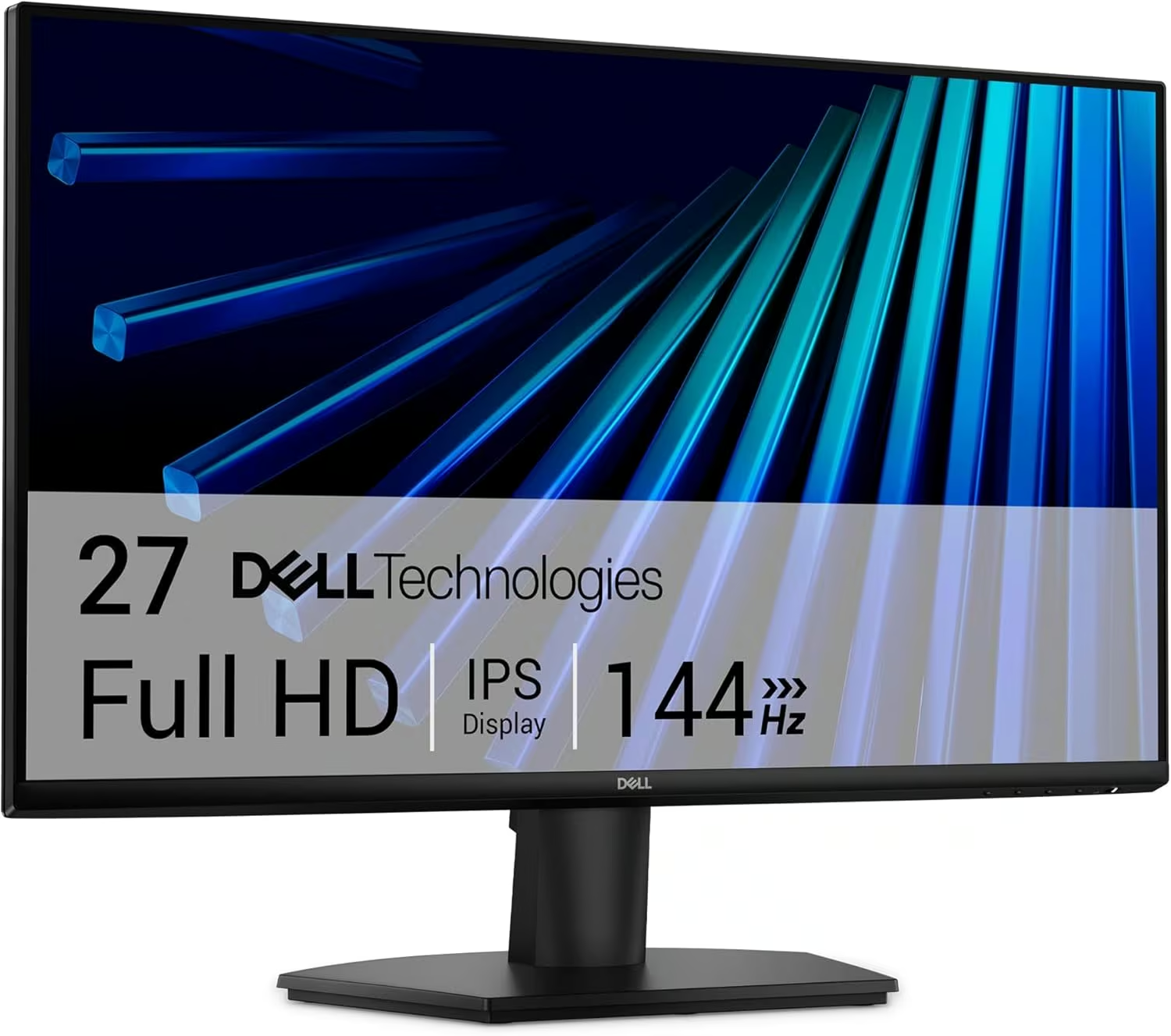
27″ FHD, 144Hz
For most people upgrading from a basic office monitor, the Dell SE2726H is the standout all-rounder. It pairs a 27-inch Full HD IPS panel with a genuinely fast 144Hz refresh rate and 1ms response time, so everyday work feels sharp and fast-moving games and video stay smooth without the extra cost of a QHD or 4K panel. AMD FreeSync eliminates screen tearing during motion, and Dell’s eye comfort technology reduces harmful blue light for long work sessions. Built-in eye comfort tech and a 3-year warranty from a trusted PC brand round out the package. The trade-off is that 1080p resolution shows its limits on a 27-inch screen compared to the sharper QHD and 4K picks further down this list, so text and fine detail aren’t as crisp up close. For a fast, dependable everyday monitor from a name you can trust, it’s the sensible default.
Pros
- Fast 144Hz refresh rate and 1ms response time for smooth everyday use
- AMD FreeSync eliminates screen tearing
- Trusted Dell build quality with a 3-year warranty
Cons
- 1080p resolution is less sharp than the QHD and 4K picks further down this list
- No height-adjustable stand out of the box
- Matte finish trades some vibrancy for reduced glare
Key specs: 27″ FHD (1920×1080) IPS panel; 144Hz refresh rate; 1ms response time; AMD FreeSync; 2x HDMI.
2. Lenovo L24-4e – Best budget
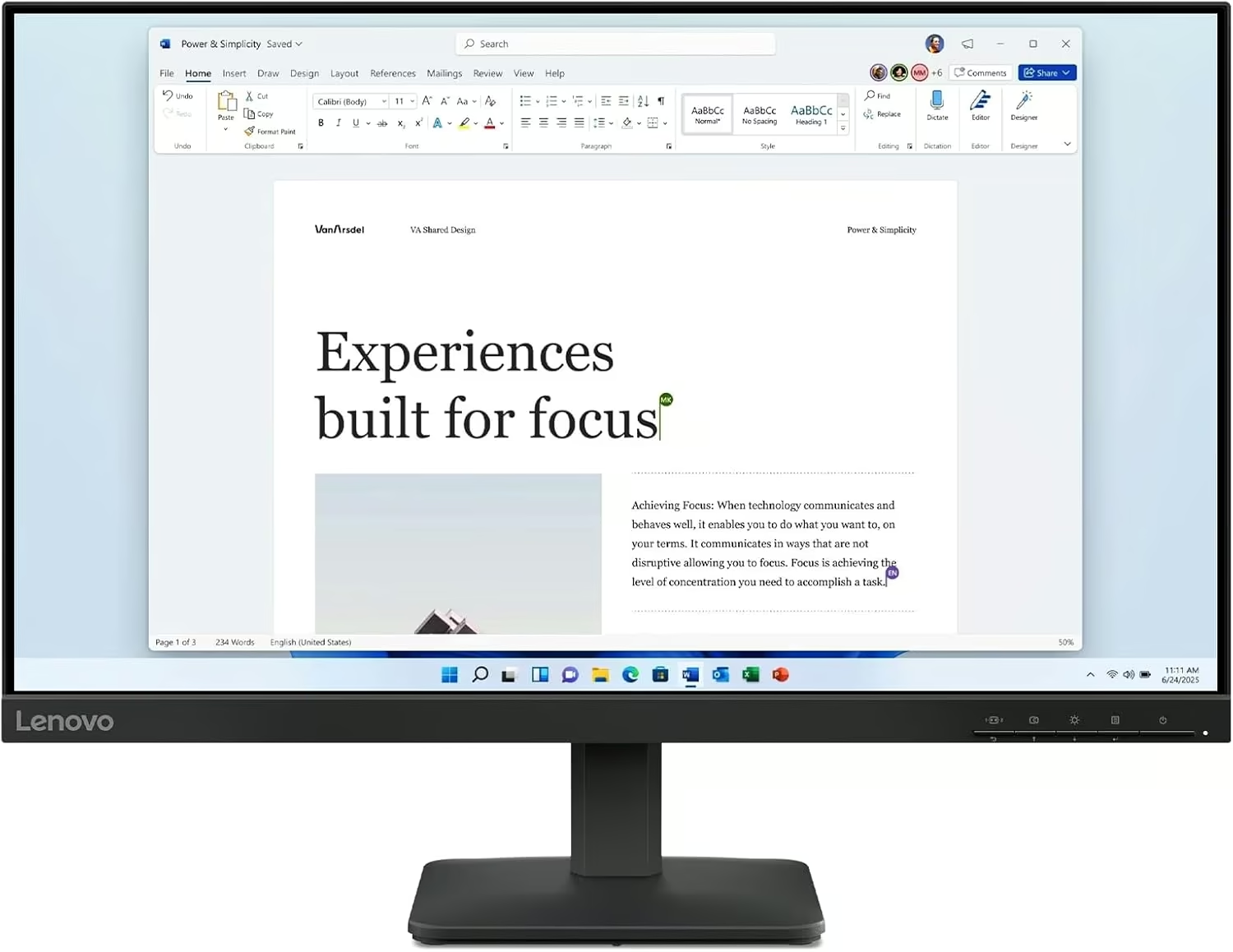
23.8″ FHD, 100Hz
The pick for anyone who wants a genuinely current monitor without paying for a big screen or a high refresh rate they won’t use. Lenovo’s L24-4e packs a 23.8-inch FHD IPS panel with a 100Hz refresh rate and a quick 4ms extreme-mode response time into a mainstream monitor at a genuinely accessible price, and it’s been bought hundreds of times in the past month alone. The 1300:1 contrast ratio keeps colours reasonably vibrant for a budget panel. The trade-off is the smaller 23.8-inch screen size compared to the 27-inch monitors on this list, and it skips premium features like a height-adjustable stand or USB-C connectivity. For a second monitor, a student setup, or anyone who just wants a solid everyday screen without the premium price tag, it’s a smart budget pick.
Pros
- Genuinely current 100Hz refresh rate at a budget price
- Strong recent sales volume, hundreds bought in the past month
- 1300:1 contrast ratio for reasonably vibrant colours
Cons
- Smaller 23.8″ screen than the 27″ monitors on this list
- No height-adjustable stand or USB-C
- Basic feature set compared to the pricier picks here
Key specs: 23.8″ FHD IPS panel; 100Hz refresh rate; 4ms response time; 1300:1 contrast ratio.
3. MSI PRO MP273QW – Best QHD / productivity
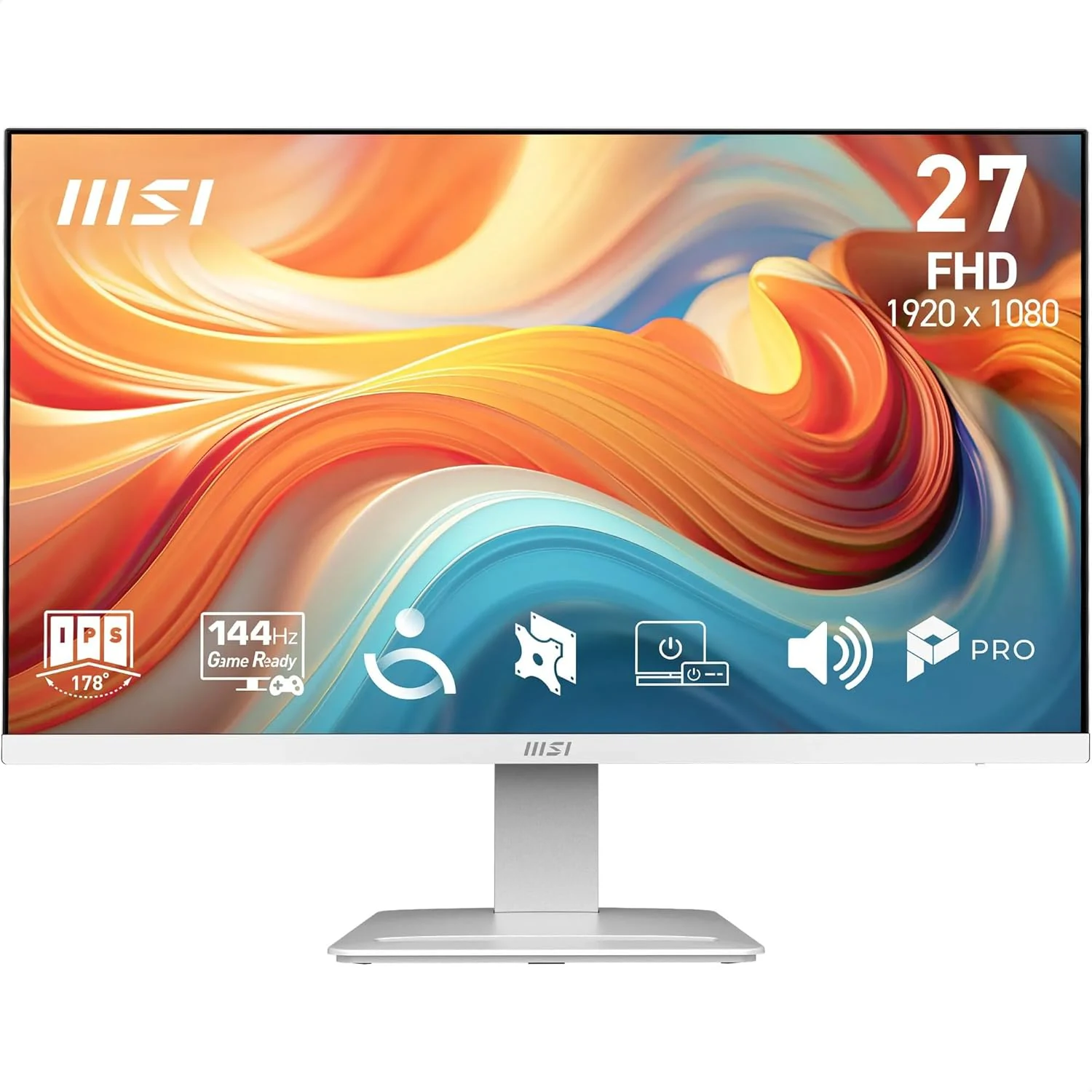
27″ WQHD, 144Hz
The pick for anyone doing serious work or wanting noticeably sharper detail than a Full HD screen provides. MSI’s PRO MP273QW steps up to a 27-inch WQHD (2560×1440) IPS panel, giving considerably more screen real estate and sharper text and images than the FHD monitors above, while still running a fast 144Hz refresh rate and 1ms response time. Frameless design and built-in speakers round out a genuinely business-focused monitor, backed by a 3-year warranty and Amazon’s Choice status in its category. The trade-off is that a QHD panel demands more from your graphics card to run games and creative software at native resolution than a Full HD screen, and it costs more than the budget picks above. For anyone doing spreadsheet work, coding, design or general productivity where extra screen space genuinely helps, it’s a strong step up from Full HD.
Pros
- Sharper 27″ WQHD (2560×1440) resolution for noticeably more screen real estate
- Fast 144Hz refresh rate and 1ms response time
- Amazon’s Choice, backed by a 3-year MSI warranty
Cons
- Needs more graphics power to run games and creative apps at native resolution
- Costs more than the Full HD picks above
- Built-in speakers are basic, better paired with proper desk speakers
Key specs: 27″ WQHD (2560×1440) IPS panel; 144Hz refresh rate; 1ms response time; built-in speakers; 3-year warranty.
4. ASUS TUF Gaming VG27AQ3A – Best gaming
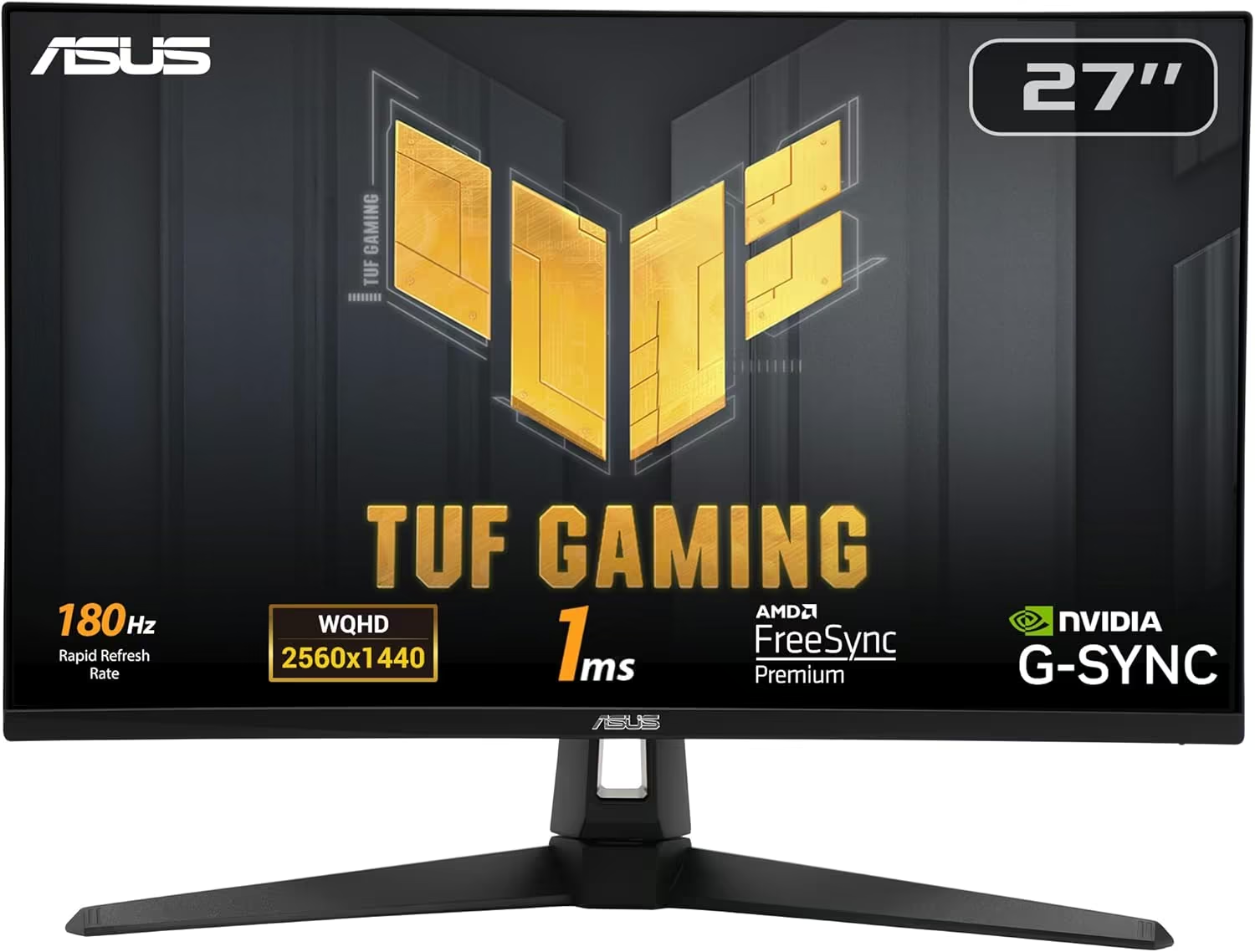
27″ QHD, 180Hz
The dedicated gaming pick for anyone whose graphics card can push beyond 144Hz. ASUS’s TUF Gaming VG27AQ3A combines a 27-inch QHD Fast IPS panel with a genuinely high 180Hz refresh rate, ELMB Sync and Variable Overdrive for smoother, sharper motion in fast-paced games, plus both FreeSync Premium and G-Sync Compatible certification so it plays nicely with AMD and Nvidia graphics cards alike. 130% sRGB colour coverage means it looks good for content and creative work too, not just gaming. The trade-off is that getting the most out of 180Hz at QHD resolution needs a genuinely capable graphics card, so a modest PC won’t see the full benefit, and the gaming-focused styling is more aggressive than the business monitors above. For competitive or fast-paced gaming where every extra frame matters, it’s the standout pick on this list.
Pros
- High 180Hz refresh rate with Fast IPS for genuinely smooth motion
- Works with both FreeSync Premium and G-Sync Compatible graphics cards
- 130% sRGB colour coverage suits content work as well as gaming
Cons
- Needs a capable graphics card to actually push 180Hz at QHD resolution
- More aggressive gaming styling than the business-focused monitors above
- Premium price versus the Full HD picks on this list
Key specs: 27″ QHD (2560×1440) Fast IPS panel; 180Hz refresh rate; 1ms response time; FreeSync Premium and G-Sync Compatible; 130% sRGB.
5. Gawfolk 28″ 4K – Best 4K
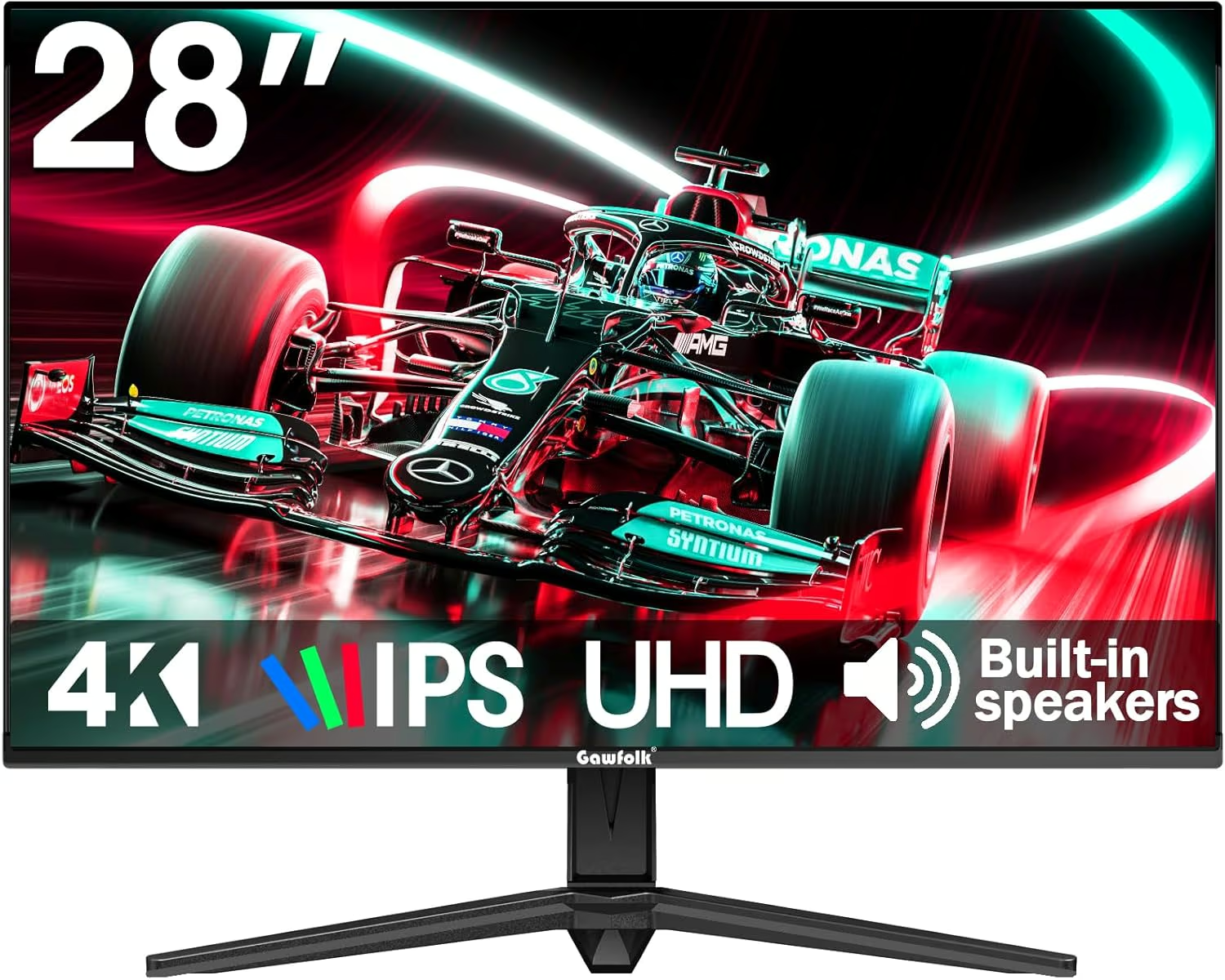
28″ 4K UHD
The sharpest picture on this list, for anyone who wants genuine 4K detail for creative work, coding or media. Gawfolk’s 28-inch monitor packs a UHD 3840×2560 IPS panel with built-in speakers and 8-bit colour across 1.07 billion colours, and its unusual 3:2 aspect ratio gives more vertical screen space than a standard 16:9 panel, which genuinely helps for long documents, spreadsheets and coding where scrolling less matters more than widescreen video. The trade-off is exactly that aspect ratio: standard 16:9 video content like movies and most games won’t fill the screen edge to edge, showing letterboxing on the sides, so it suits productivity more than entertainment or gaming. For anyone whose main use is office work, coding or reading rather than watching widescreen video or gaming, the extra vertical space and 4K sharpness are a genuine advantage.
Pros
- Genuine 4K UHD sharpness for detailed work and media
- Unusual 3:2 aspect ratio gives more vertical space than standard widescreen monitors
- 8-bit colour across 1.07 billion colours with built-in speakers
Cons
- 3:2 aspect ratio means standard 16:9 video and games don’t fill the screen edge to edge
- 60Hz refresh rate, not built for fast-paced gaming
- Less established brand than Dell, Lenovo, MSI or ASUS
Key specs: 28″ 4K UHD (3840×2560) IPS panel; 3:2 aspect ratio; 60Hz refresh rate; built-in speakers; HDMI and DisplayPort.
6. KOORUI 27″ Curved – Best curved / immersive budget
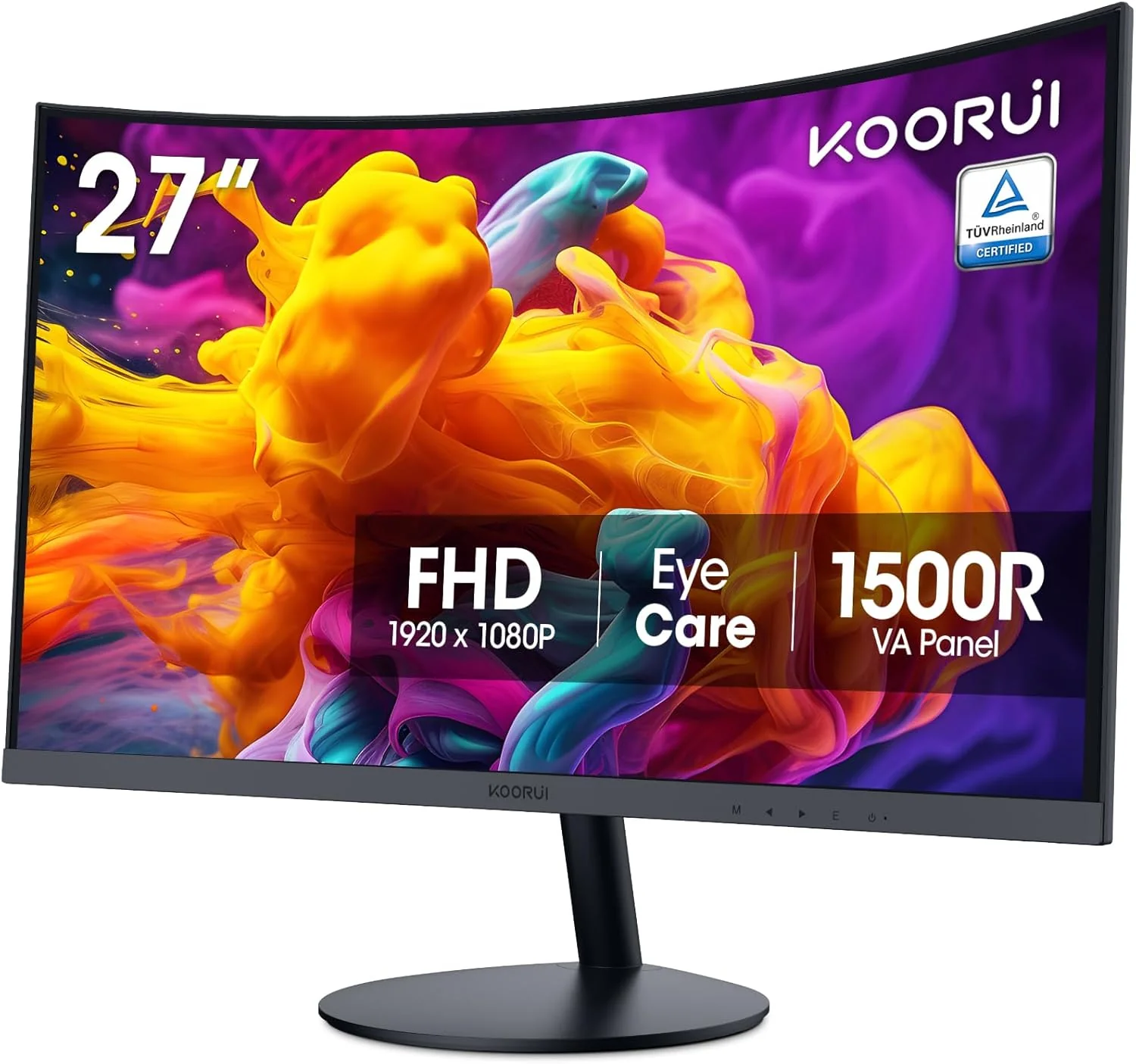
27″ Curved FHD
The pick for anyone who wants the wraparound feel of a curved screen without paying gaming-monitor prices. KOORUI’s 27-inch curved monitor uses a 1500R curvature, tighter than many curved monitors, to wrap the edges of the screen slightly into your peripheral vision for a more immersive feel during games, movies and everyday browsing. It carries TÜV Rheinland eye-care certification for reduced blue light and flicker, and a strong review base backs up its everyday reliability. Being a budget-focused curved monitor rather than a premium gaming panel, it sticks to Full HD resolution and a standard refresh rate rather than the high-refresh QHD specs of the ASUS gaming pick above. For anyone who wants to try a curved monitor for the first time without a big outlay, it’s a well-reviewed, accessible way in.
Pros
- Tight 1500R curvature for a genuinely immersive feel at a budget price
- TÜV Rheinland eye-care certification for reduced blue light and flicker
- Strong review base for everyday reliability
Cons
- Full HD resolution and standard refresh rate, not a high-performance gaming spec
- Curved screens can show slight distortion with some non-video content like spreadsheets
- Basic stand without height adjustment
Key specs: 27″ curved FHD (1920×1080) VA panel; 1500R curvature; TÜV Rheinland eye-care certified; HDMI and VGA.
7. ARZOPA 15.6″ Portable – Best portable / second screen
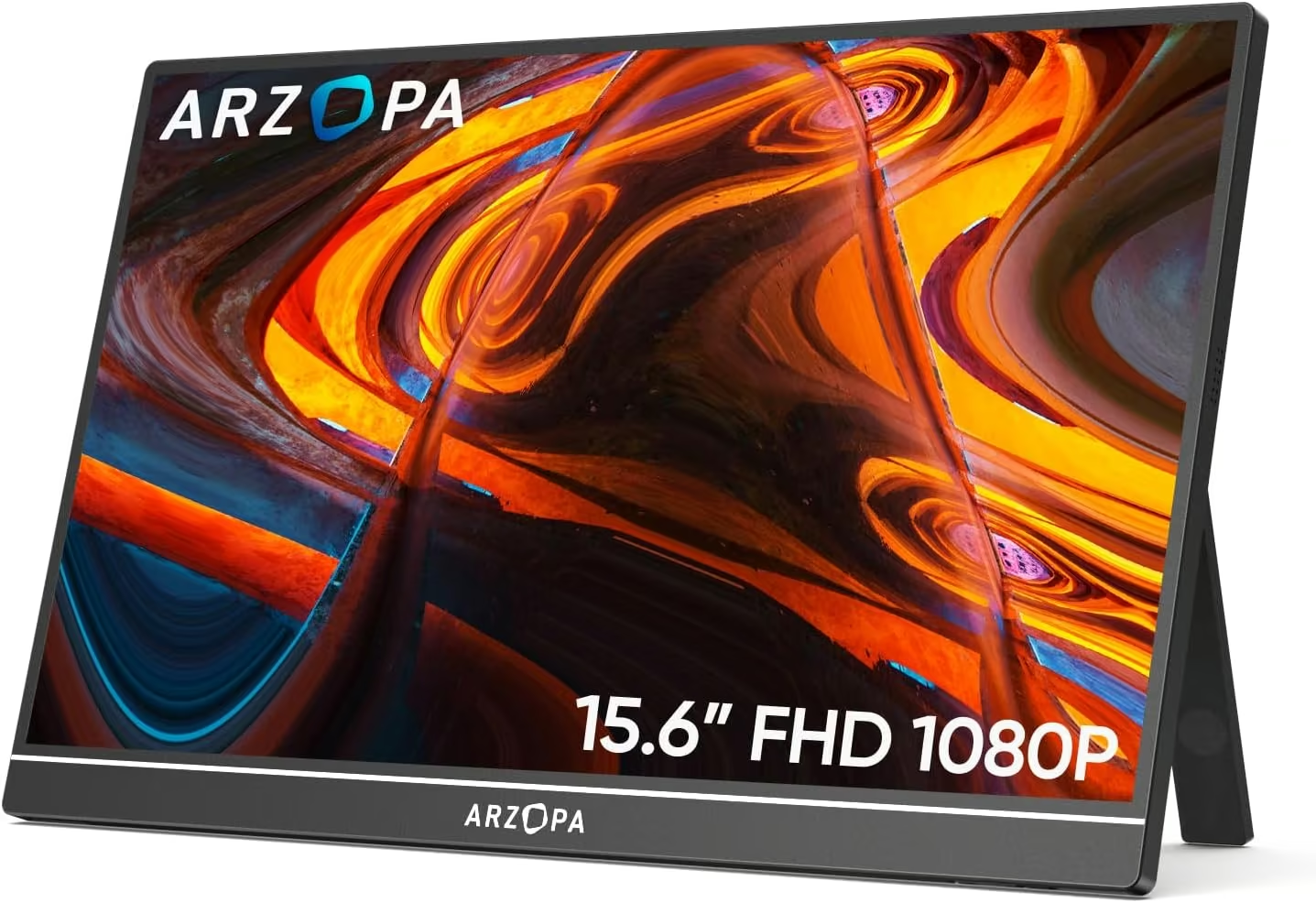
15.6″ Portable FHD
The pick for anyone who needs a second screen that travels, rather than one that sits permanently on a desk. ARZOPA’s 15.6-inch portable monitor connects to a laptop over a single USB-C cable for power and video, or HDMI if your laptop lacks USB-C video output, and its built-in kickstand means no separate monitor stand or mount is needed. It’s genuinely one of the best-selling and most reviewed portable monitors on Amazon, backed by thousands of positive ratings and Amazon’s Choice status. Being built for portability rather than performance, it runs a standard 60Hz refresh rate and Full HD resolution rather than the high refresh rates or sharper panels of the desktop monitors above, and a slim portable panel is inherently less durable than a permanently desk-mounted screen. For remote work, travel, or doubling your laptop’s screen space on the go, it’s a genuinely well-proven pick.
Pros
- Single USB-C cable for both power and video on compatible laptops
- Genuinely one of the best-selling, most reviewed portable monitors on Amazon
- Built-in kickstand means no separate stand or mount needed
Cons
- Standard 60Hz refresh rate and FHD resolution, not built for gaming or high-performance work
- Less durable than a permanently desk-mounted monitor
- Relies on a laptop with sufficient USB-C video output or HDMI
Key specs: 15.6″ FHD (1920×1080) IPS panel; USB-C and HDMI connectivity; built-in kickstand; built-in speakers.
How to choose the best computer monitor in NZ
Match resolution to your screen size and use. 1080p (Full HD) suits 24-27 inch screens for everyday use, while WQHD or 4K makes more sense on 27 inches and up, or for detail-heavy work like design and photo editing.
Consider refresh rate for your actual use. 60-75Hz is fine for office work and browsing, 100-144Hz noticeably smooths everyday use and casual gaming, and 165Hz+ mainly benefits competitive or fast-paced gaming with a graphics card that can drive it.
Check the panel type. IPS panels generally offer better colour accuracy and viewing angles for everyday use and content work, VA panels (common on curved monitors) offer higher contrast, and TN panels prioritise raw speed over colour accuracy.
Think about connectivity and ergonomics. USB-C monitors can power a laptop and carry video over a single cable, and a height-adjustable stand matters more than it seems once you’re sitting at a desk for hours.
Don’t overlook portable monitors for flexible setups. A portable USB-C monitor is a genuinely useful second screen for travel or hybrid work, even if you have a full desktop setup at home. Rounding out your desk, the guide to MacBooks is worth a look if you’re choosing a laptop to pair with your new monitor.
To finish the desk setup, the guides to all-in-one computers, cheap tablets and gaming keyboards are worth a look.
Frequently Asked Questions
What’s the difference between FHD, QHD and 4K resolution?
FHD (1920×1080) is standard Full HD, QHD or WQHD (2560×1440) offers roughly 78% more pixels for sharper detail and more screen space, and 4K UHD (3840×2160) offers four times the pixels of FHD for the sharpest image. Higher resolutions need a more powerful graphics card to run games and demanding software smoothly at native resolution.
Do I need a high refresh rate monitor if I don’t game?
A 60-75Hz refresh rate is perfectly adequate for office work, browsing and video, but even non-gamers often notice smoother, more comfortable everyday scrolling and window movement on a 100Hz+ panel. It’s a nice-to-have rather than essential outside gaming and fast-motion video work.
What is FreeSync or G-Sync and do I need it?
FreeSync (AMD) and G-Sync (Nvidia) are technologies that sync a monitor’s refresh rate with your graphics card’s frame rate to eliminate screen tearing during fast motion. They matter most for gaming; if you mainly do office work or browsing, they make little practical difference.
Are curved monitors better than flat monitors?
Curved monitors can feel more immersive for gaming and movies by wrapping slightly into your peripheral vision, but the curvature can look distorted for straight-line content like spreadsheets or design software. It’s largely a personal preference rather than an objective upgrade, and worth trying before committing to a large curved display.
Can a portable monitor replace a desktop monitor?
A portable monitor is built for travel and flexibility rather than outright performance, typically running Full HD resolution and a standard 60Hz refresh rate. It’s a genuinely useful second screen or travel companion, but a dedicated desktop monitor will generally offer a larger screen, higher refresh rates and better long-term durability for permanent desk use.
Does monitor size matter more than resolution?
The two work together: a large screen at a low resolution can look pixelated up close, while a high resolution on too small a screen makes text and icons uncomfortably tiny without scaling. As a rough guide, Full HD suits 24-27 inches, while QHD and 4K suit 27 inches and larger.
Verdict
There is no single best computer monitor for every NZ setup, only the right one for what you actually do with it. The Dell SE2726H is the best all-round pick for everyday use, the Lenovo L24-4e covers the tightest budget, and the MSI PRO MP273QW steps up to genuinely sharper WQHD detail for productivity work.
The ASUS TUF Gaming VG27AQ3A is the standout for fast-paced gaming, the Gawfolk 28-inch brings genuine 4K sharpness with extra vertical space for office work, the KOORUI curved monitor offers an accessible way into an immersive curved display, and the ARZOPA portable monitor solves the very different problem of a second screen that travels. Match the resolution, refresh rate and format to how you’ll actually use the monitor day to day rather than chasing the highest spec on the shelf.
