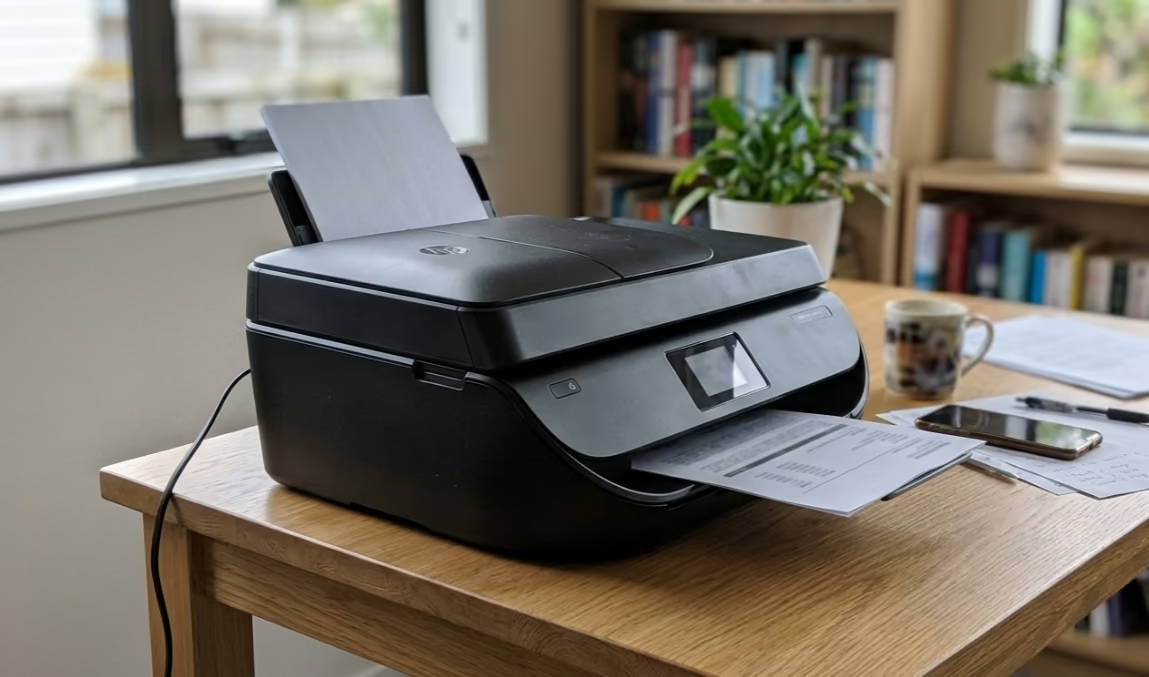
The best home printer in NZ for most people is a refillable ink-tank all-in-one such as the Canon G4670 MegaTank, because it keeps running costs low while handling documents, photos, copying and scanning. If you mostly print black text and want speed, a mono laser like the Brother MFC-L2880DW makes more sense, and photo-focused homes are best served by the Epson Expression Photo XP-15000.
This guide ranks 10 home printers sold in New Zealand (and across the Tasman) spanning inkjet, ink-tank and laser types. Most current models print wirelessly, so you can send jobs from a laptop or from the best tablets in NZ over the same Wi-Fi network.
The 10 Best Home Printers in NZ
1. Canon G4670 MegaTank
Best for: the lowest-cost everyday printing at home, with refillable ink tanks and an automatic document feeder for scanning and copying stacks of pages.
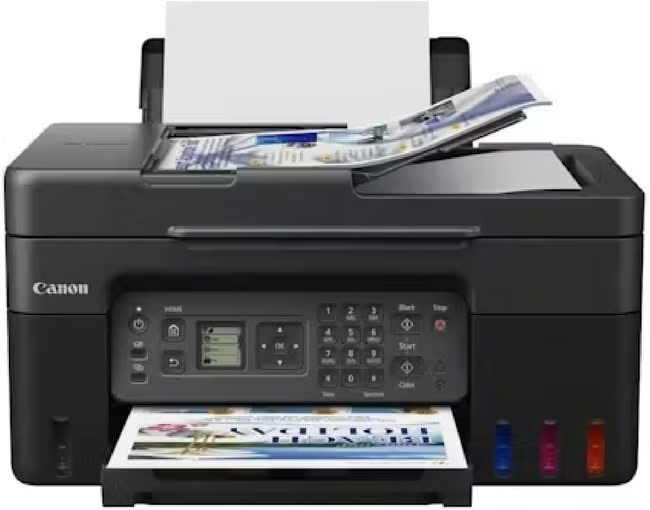
This refillable ink-tank all-in-one suits households that want cheap running costs and a few office-style extras. It prints, copies, scans and faxes, and the front-facing MegaTank bottles mean you top up ink from a bottle instead of buying cartridges, so the cost per page stays low.
The extra that sets it apart from most home ink tanks is a 35-sheet automatic document feeder, which makes scanning or copying multi-page forms much quicker. Two-sided printing is automatic, it connects over Wi-Fi or USB, and it works with Canon’s PRINT app for printing from a phone. At 41.6 x 33.7 cm it needs a bit more desk room than the smallest units here.
Print speeds are modest, as with most ink tanks, so it is better for a steady mix of homework, forms and the occasional photo than for long text runs. This is the AU version, which carries a two-year warranty.
Pros:
- Very low cost per page from refillable MegaTank bottles
- 35-sheet document feeder and automatic two-sided printing
- Print, copy, scan and fax in one
Cons:
- Slower than a laser for long text jobs
- Bigger footprint than compact ink tanks
- Small number of owner reviews on the listing so far
2. Brother MFC-L2880DW
Best for: a busy home office that prints a lot of black text and wants speed plus scanning, copying and faxing.
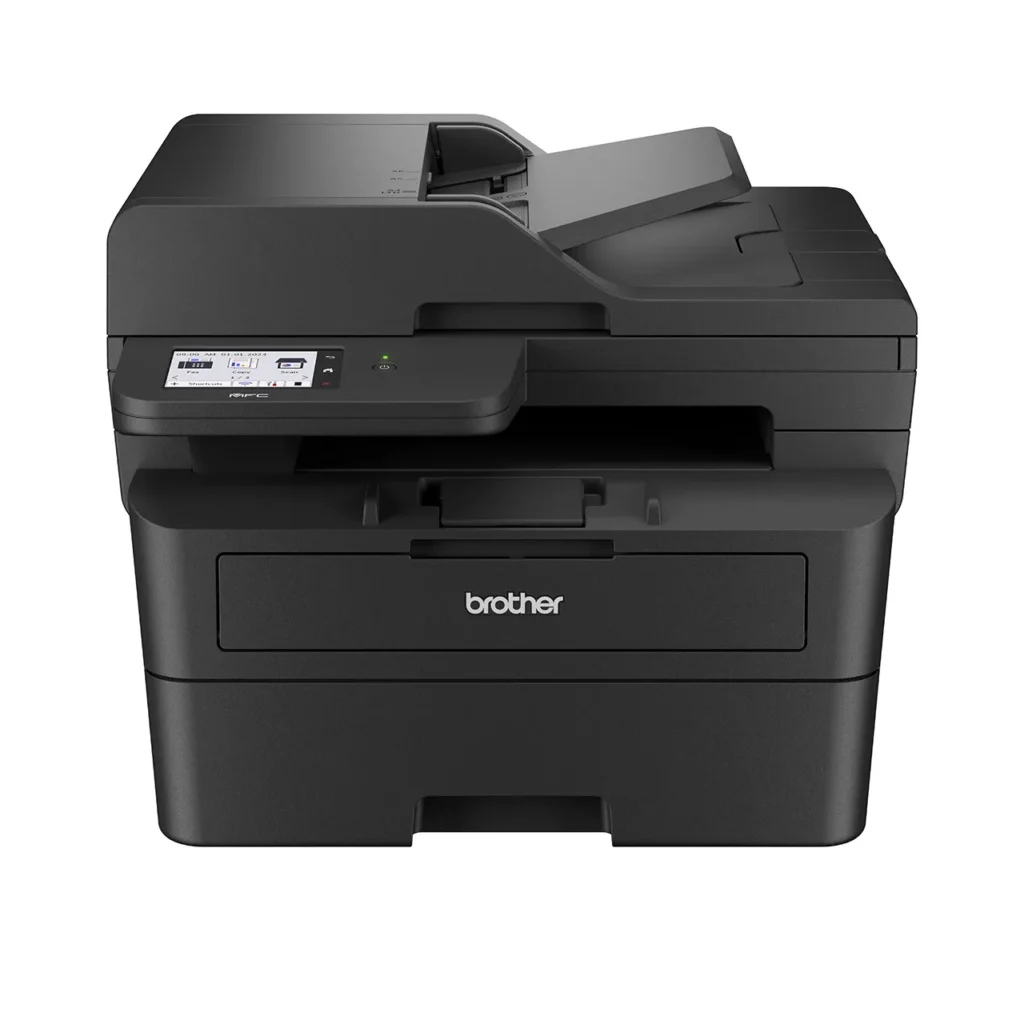
This mono laser all-in-one is built for document work. It pairs fast printing with a 50-sheet automatic document feeder and an 8.8cm colour touchscreen, so multi-page scans and copies are quick to set up.
Connectivity covers wired Ethernet plus 2.4GHz and 5GHz Wi-Fi, and automatic two-sided printing helps trim paper use. Reviewers note the in-box and replacement toners are rated up to 5,000 pages, which keeps top-ups infrequent for a household.
It runs at up to 34 ppm, so it clears long documents without fuss. The trade-off is that it prints in black only.
Pros:
- Fast 34 ppm mono printing
- 50-sheet ADF plus fax, scan and copy
- Wired and dual-band wireless, with auto duplex
Cons:
- Black and white only – no colour
- Larger footprint than an inkjet
- Toner replacement is a bigger single outlay than ink cartridges
3. HP LaserJet Pro MFP 3101fdw
Best for: a home office with steady document volumes that still relies on a fax line.
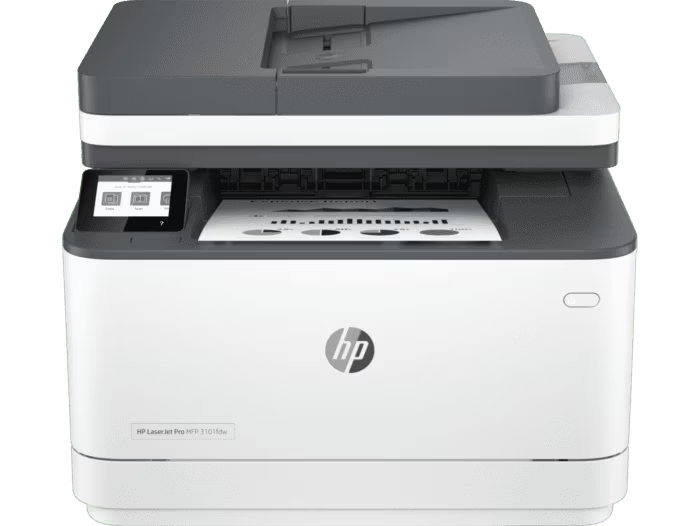
This monochrome laser all-in-one covers print, scan, copy and fax, making it a tidy hub for paperwork. It has a 250-sheet tray, an automatic document feeder and a 2.7-inch colour touchscreen that tilts for easier viewing.
It offers Ethernet and Wi-Fi plus automatic two-sided printing. Owners report crisp text output and reliable networking, though some note the HP account and HP Smart app requirements can be fiddly during first setup.
Print speed reaches up to 35 ppm, so it handles heavier mono workloads comfortably. As with any mono laser, colour is off the table.
Pros:
- Print, scan, copy and fax in one unit
- Up to 35 ppm with auto duplex and a 250-sheet tray
- Colour touchscreen and solid wired or wireless networking
Cons:
- Mono only
- HP account and app setup can frustrate some owners
- Heavier and larger than an inkjet
4. Brother HL-L8240CDW
Best for: crisp colour documents at laser speed, if you already have a scanner and only need to print.
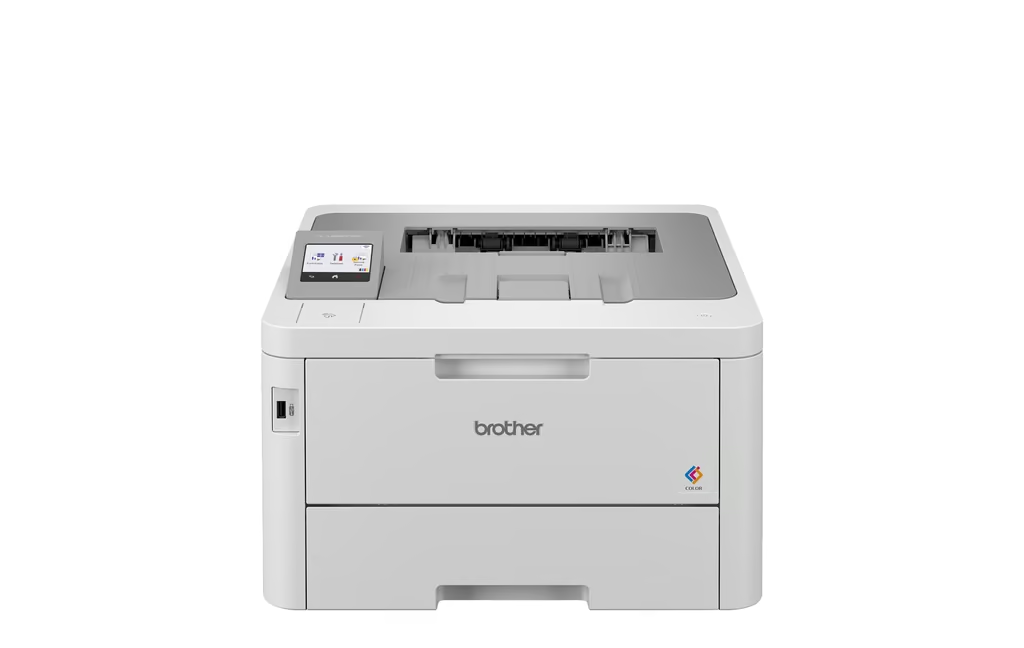
This compact colour laser is a single-function printer – it does not scan or copy – aimed at people who want fast, sharp colour pages. It has a 250-sheet main tray plus a 30-sheet multipurpose tray and a 6.8cm colour touchscreen.
Connectivity is generous for the class, with USB, wired LAN, Wi-Fi and NFC, and it prints two-sided automatically. Reviewers note the whisper-quiet operation and steady output for a home office that runs a lot of colour.
It prints up to 30 ppm in colour or black at 600 x 600 dpi. The catch is that it prints only, so you will need a separate scanner if you copy documents.
Pros:
- Fast 30 ppm colour laser output
- Two paper trays and auto duplex
- USB, LAN, Wi-Fi and NFC connectivity
Cons:
- Single function – no scan or copy
- Four toners plus a drum add to running costs
- Larger and heavier than an inkjet
5. HP Smart Tank 6005
Best for: high-volume colour printing with automatic two-sided output and a big supply of ink in the box.
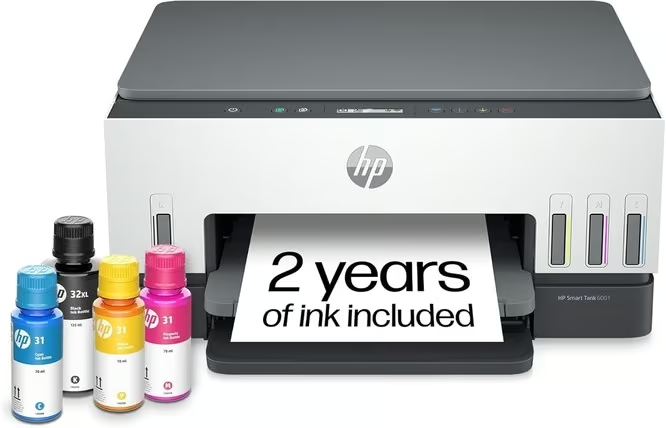
This refillable ink-tank all-in-one prints, copies and scans, and adds automatic two-sided printing to HP’s low-cost tank system. The box includes a full set of Original HP ink bottles that HP rates for up to 8,000 colour or 6,000 black pages, so most homes will not need to buy ink for a long time.
Setup and everyday printing run through the HP Smart app over self-healing dual-band Wi-Fi, with Bluetooth for setup and a USB port as well. It also supports AirPrint, Mopria and Wi-Fi Direct, so phones and tablets print without extra software. Smart-guided buttons light up to walk you through common tasks.
Speeds reach up to 12 ppm black and 7 ppm colour, which is fine for home use but not fast. Warranty on this listing is one year, and delivery estimates to NZ were several weeks at the time of checking, so order early if you need it for a deadline.
Pros:
- Ink in the box rated for thousands of pages
- Automatic two-sided printing
- Dual-band Wi-Fi plus Bluetooth, AirPrint and Mopria
Cons:
- No automatic document feeder
- One-year warranty on this listing
- Long delivery estimate to NZ when checked
6. Brother HL-L5210DW
Best for: the fastest mono printing in a print-only home office that gets through high page counts.
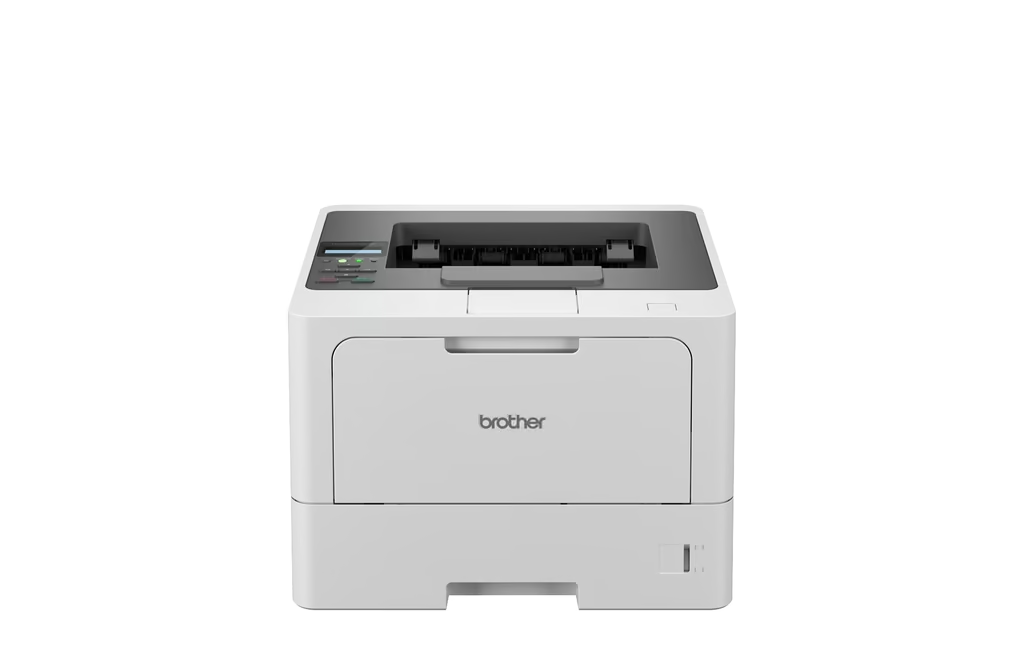
This single-function mono laser is all about speed and cheap high-yield toner. There is no scanner or copier, so it is best as a dedicated document printer for someone who prints a lot.
It has a 250-sheet main tray plus a 100-sheet multipurpose tray, Gigabit Ethernet and dual-band Wi-Fi. Automatic duplex runs at up to 24 sides per minute, and the super-high-yield toner is rated up to 11,000 pages, so refills are rare.
Print speed tops out at up to 48 ppm, the quickest in this guide. For light users it is overkill, but for heavy document printing it is hard to beat on speed and cost per page.
Pros:
- Blistering 48 ppm mono speed
- Very high-yield toner keeps cost per page low
- Gigabit Ethernet, dual-band Wi-Fi and auto duplex
Cons:
- Print only – no scan, copy or fax
- Black and white only
- More printer than light users need
7. Brother DCP-L3520CDW
Best for: a compact colour laser three-in-one for a family or home office that does not need fax.
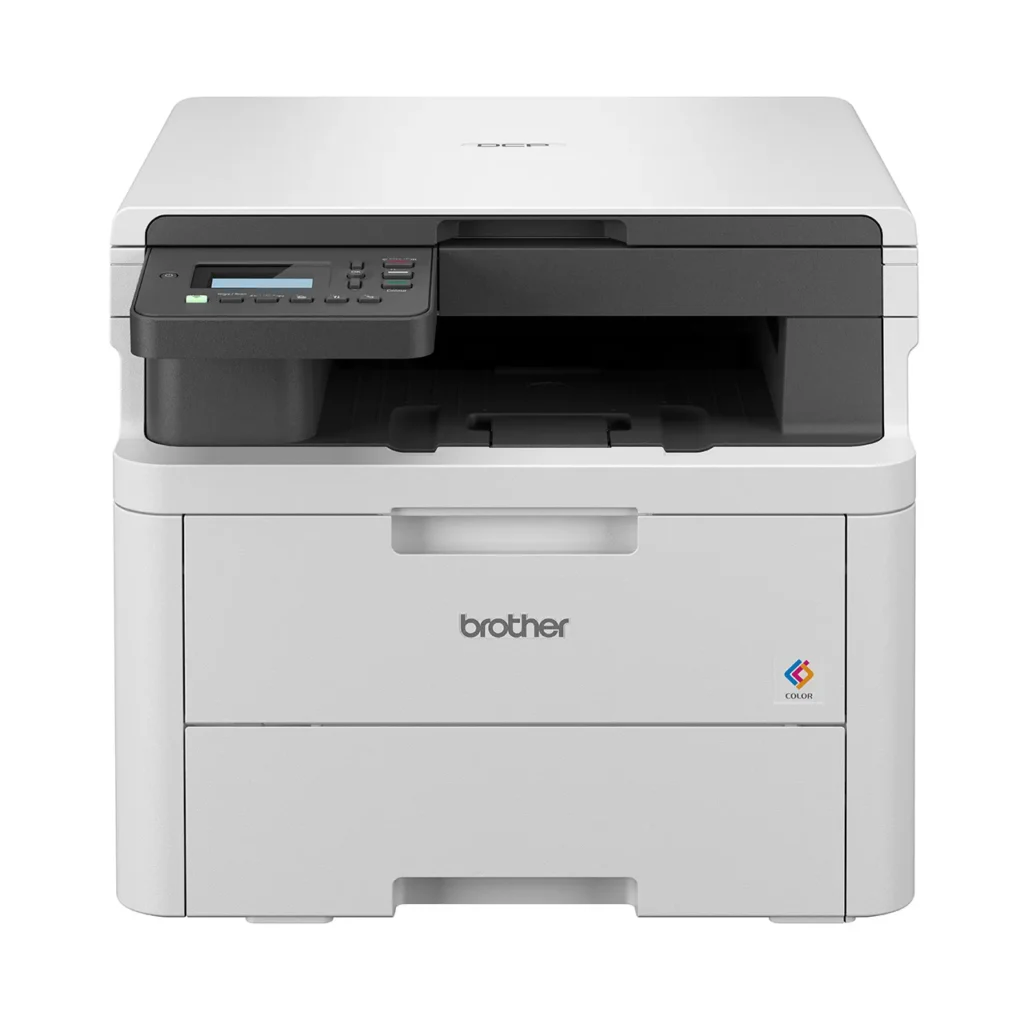
This compact colour laser prints, copies and scans, bringing colour laser output into a small body. It measures about 410 x 443.6 x 355 mm and weighs around 18.6 kg, with an automatic document feeder for multi-page scans and copies.
It supports Wi-Fi Direct and AirPrint and prints two-sided automatically. Reviewers note it is a quiet, tidy unit for a shared desk. Print speed sits at up to 18 ppm in both colour and black.
One thing to flag for NZ buyers: the L3520CDW is mainly ranged in Australia, and the closest New Zealand-stocked sibling is the Brother DCP-L3560CDW, so you may end up ordering this exact model across the Tasman.
Pros:
- Colour print, copy and scan in a compact laser
- Automatic document feeder and auto duplex
- Wi-Fi Direct and AirPrint support
Cons:
- No fax
- Slower than dedicated mono lasers
- Mainly stocked in Australia – NZ ranges the DCP-L3560CDW instead
8. Brother DCP-T580DW
Best for: low-cost colour printing for families and students who print a lot on a budget.
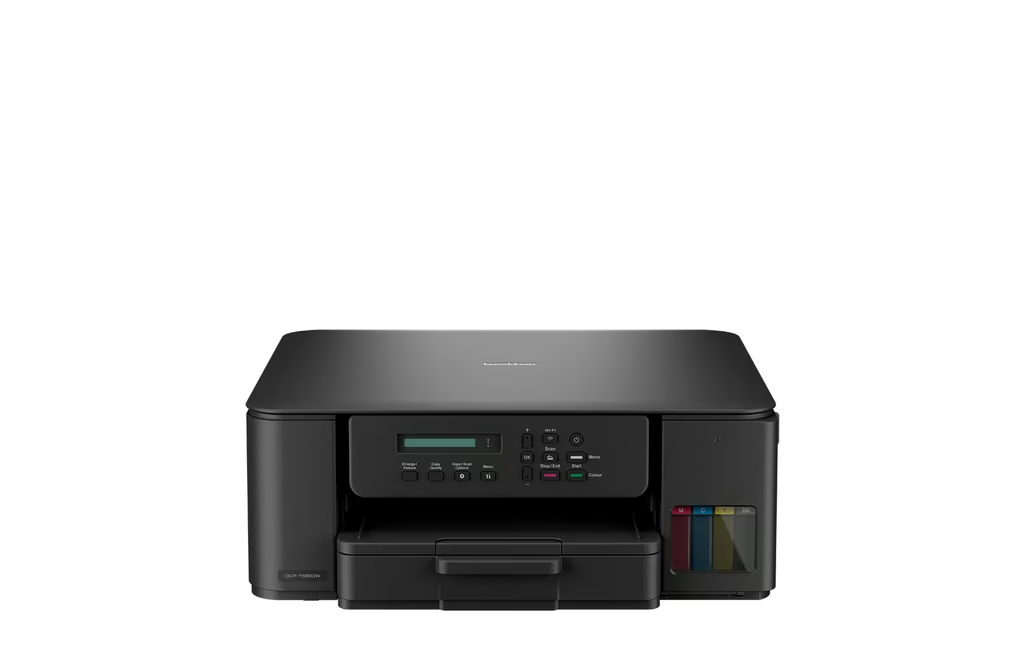
This refillable colour ink-tank all-in-one is aimed squarely at high-volume home users who want cheap colour. It prints, copies and scans, with a mess-free key-lock bottle system that makes refills clean and simple.
It has a 150-sheet tray, dual-band Wi-Fi, the Brother Mobile Connect app and automatic two-sided printing. Owners report very long intervals between refills, with ink rated up to 7,500 black or 5,000 colour pages.
Speeds reach up to 16 images per minute in mono and 9 ipm in colour. It is a practical, economical pick for busy households and keen crafters, provided you do not need the speed of a laser.
Pros:
- Very low colour running costs from refillable tanks
- Print, copy and scan with auto duplex
- Mess-free key-lock refill bottles and dual-band Wi-Fi
Cons:
- Slower than a laser for heavy text jobs
- No automatic document feeder
- No fax
9. Epson Expression Photo XP-15000
Best for: home photo printing, with six-colour ink and borderless prints up to A3+ (13 x 19 inches).
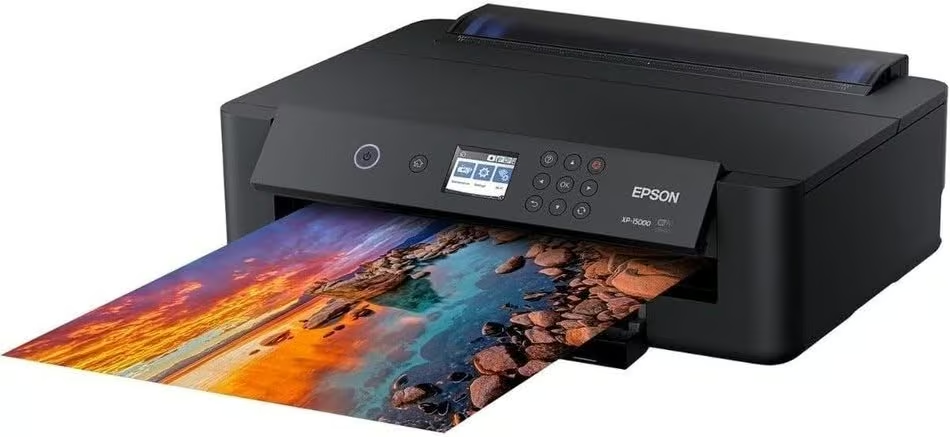
This six-colour photo printer is the pick for households, hobbyists and crafters who care most about print quality. It prints borderless from 4 x 6 inches up to A3+ (13 x 19 inches), which opens up poster-size prints and wide-format art that A4 printers cannot manage.
Epson’s Claria Photo HD inks add red and grey to the usual colours, giving a wider colour range and cleaner black-and-white photos. A 50-sheet rear tray takes thicker specialty and fine-art media, and prints reach up to 5760 x 1440 dpi. It connects over Wi-Fi or USB, and two-sided printing is automatic for documents.
The trade-offs: it is a print-only machine, so there is no scanner or copier, despite some listings calling it multifunction. Six separate cartridges make it dearer to run than an ink tank, and plain-paper speeds of around 9 ppm suit occasional documents rather than office volume.
Pros:
- Six-colour Claria Photo HD ink with red and grey
- Borderless prints up to A3+ (13 x 19 inches)
- Rear tray for specialty and fine-art paper
Cons:
- Print only, with no scanner or copier
- Six cartridges cost more to run than an ink tank
- Slow for plain document work
10. Canon PIXMA Home Office TR8660a
Best for: a compact home-office all-rounder that includes fax and an automatic document feeder.
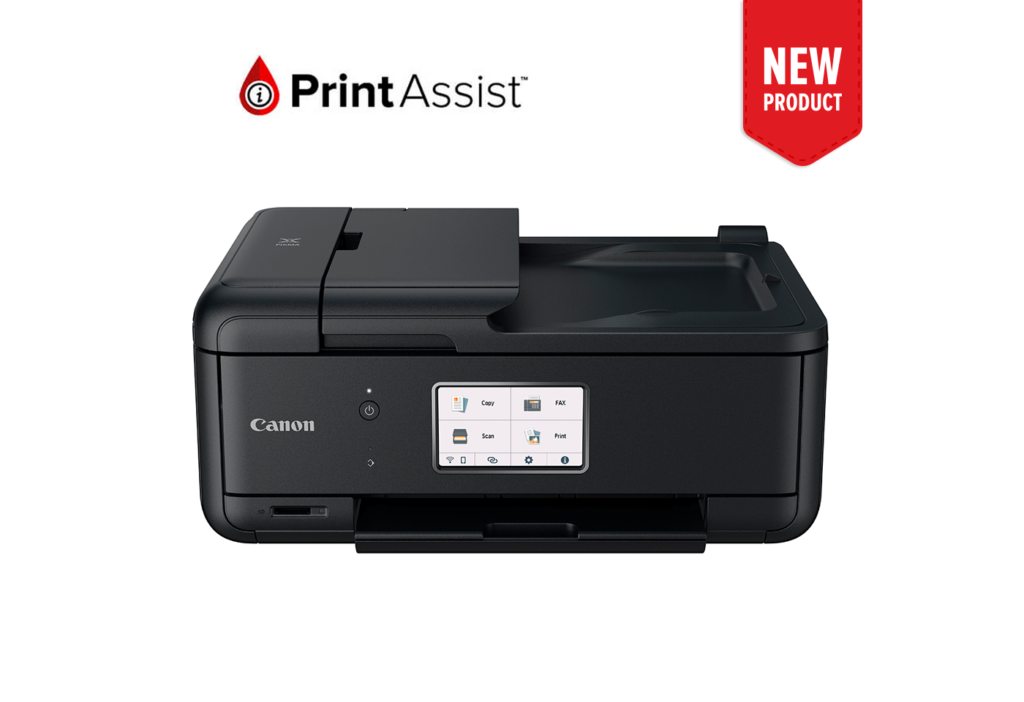
This five-ink inkjet all-in-one covers print, copy, scan and fax, with a 20-sheet automatic document feeder and a 4.3-inch touchscreen. It is a tidy hub for a small home office that wants a bit of everything in a small footprint.
It connects over dual-band Wi-Fi with AirPrint and prints two-sided automatically, and a memory card slot lets you print photos directly. The five individual inks mean you only replace the colour that runs out rather than a whole tri-colour cartridge. That is handy if you like to print straight from your phone.
Print resolution is 2400 x 1200 dpi, with speeds of up to 15 ppm black and 10 ppm colour. It is a versatile choice, though the cartridge running costs add up for heavy users.
Pros:
- Print, copy, scan and fax with a 20-sheet ADF
- Five individual inks – replace only what runs out
- Compact body, touchscreen, card slot and auto duplex
Cons:
- Five-cartridge running costs add up for heavy use
- Small ADF
- Not built for high monthly volumes
How we chose Home Printer
These rankings are independently researched. The team compared current specifications from New Zealand and Australian manufacturer and retailer listings (HP, Brother, Epson and Canon, plus stockists such as PB Tech, Noel Leeming, Harvey Norman and JB Hi-Fi), confirmed each model is a live, in-stock product, and weighed running costs, print speed, connectivity, footprint and functions.
We did not physically test these printers. Picks and comments are based on published specifications and verified owner reviews, not hands-on measurements. If you are building out a home office, it is worth pairing your printer with one of the ergonomic office chairs for comfort during long sessions.
Crafters print a lot too. A colour ink-tank model like the Brother DCP-T580DW pairs well with Cricut cutting machines for card-making and school projects, keeping colour costs down.
For the rest of a home office, the guides to gaming chairs, laser printers and paper shredders are worth a look.
Most home printing now starts from a phone or a screen rather than a desktop, so mobile printing support matters more than ever if you are pairing one with the best affordable tablet.
Verdict
For most Kiwi homes, the Canon G4670 MegaTank is the best all-round pick: cheap to run, with automatic two-sided printing and a document feeder for scanning and copying. Choose the Brother MFC-L2880DW or HL-L5210DW if you print heavy volumes of black text, the HP Smart Tank 6005 or Brother DCP-T580DW for low-cost colour, and the Epson Expression Photo XP-15000 if photos matter most.
Whichever you choose, set it up over Wi-Fi so the whole household can print from a laptop, from mid-range smartphones , or from a desk paired with one of the best computer monitors in NZ . Match the printer to how your household actually prints and you will spend less over the life of the machine.
FAQs of Home Printer
What is the best home printer in New Zealand?
For most households, a refillable ink tank printer offers the best balance of affordability and low running costs. Models like the Canon G4670 MegaTank are ideal for everyday printing, while laser printers are better suited to high-volume document printing.
Is an inkjet or laser printer better for home use?
It depends on your needs. Inkjet and ink tank printers are better for colour documents, school projects and photos. Laser printers are faster, produce sharper black text and have lower running costs if you print large numbers of documents.
Which printer has the cheapest running costs?
Ink tank printers generally have the lowest cost per page because they use refillable ink bottles instead of cartridges. They’re an excellent choice for families, students and home offices that print regularly.
What is the best printer for working from home?
A multifunction printer with print, scan and copy features is ideal for home offices. If you mainly print documents, a monochrome laser printer offers fast printing and excellent efficiency.
Are ink tank printers worth buying?
Yes. Most modern home printers support wireless printing through Apple AirPrint, Mopria for Android, or manufacturer apps such as HP Smart, Brother Mobile Connect, Canon PRINT and Epson Smart Panel.
How long does printer ink last?
The lifespan depends on how much you print. Cartridge ink may last only a few hundred pages, while refillable ink tank printers can often print thousands of pages before needing a refill.
Should I buy a printer with automatic duplex printing?
If you regularly print multi-page documents, automatic duplex (double-sided) printing saves paper, reduces costs and is more convenient than manually flipping pages.
What’s the difference between an all-in-one printer and a standard printer?
An all-in-one printer can print, scan and copy, with some models also including fax capabilities. A standard printer only prints and usually has a smaller footprint.
What printer is best for printing photos?
Photo-focused inkjet printers with multiple ink colours produce the highest-quality photos. Models like the Epson Expression Photo XP-15000 are designed for vibrant colour accuracy and borderless photo printing.
How often should I use my printer?
If you own an inkjet printer, it’s a good idea to print a page every week or two to help prevent the print heads from drying out. Laser printers don’t have this issue and are better for occasional printing.
